Scalar360 Mail securityEvery mailbox stays yours.

Stronger sign-in for people, filtered mail for the inbox, and full control for admins.

A protected mailbox behind a shield
  • Passkeys and 2-step verification
  • Spam filtering on incoming mail
  • Suspend and restore mailboxes
  • Checked DNS for your domain

Four ways Mail keeps business email safe.

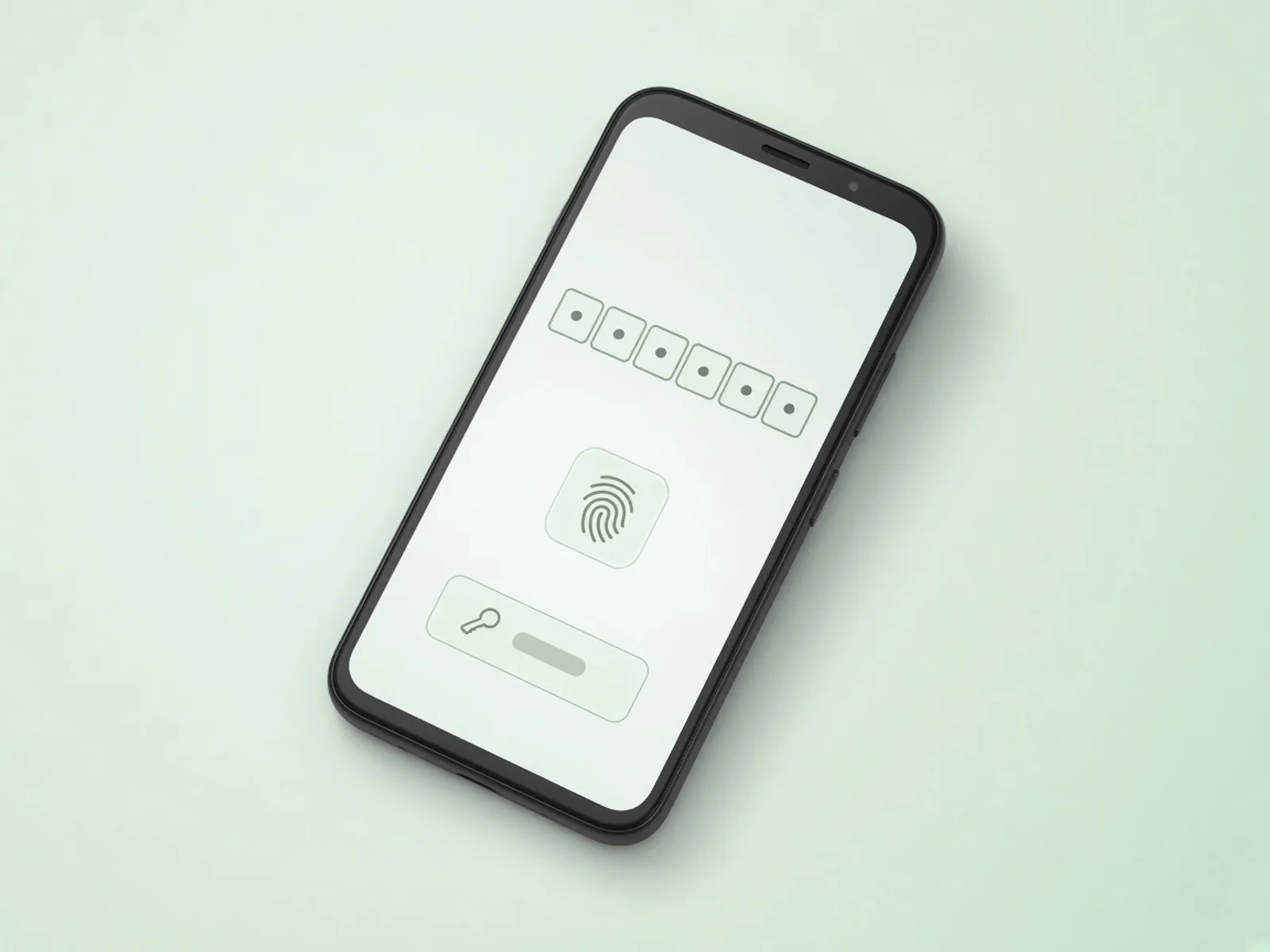
Sign-in that needs more than a password

Turn on 2-step verification with an authenticator app, or skip the password entirely and sign in with a passkey.

  • 2-step verification with an authenticator app
  • Passkey sign-in on supported devices
  • Admins can reset a mailbox password when someone is locked out

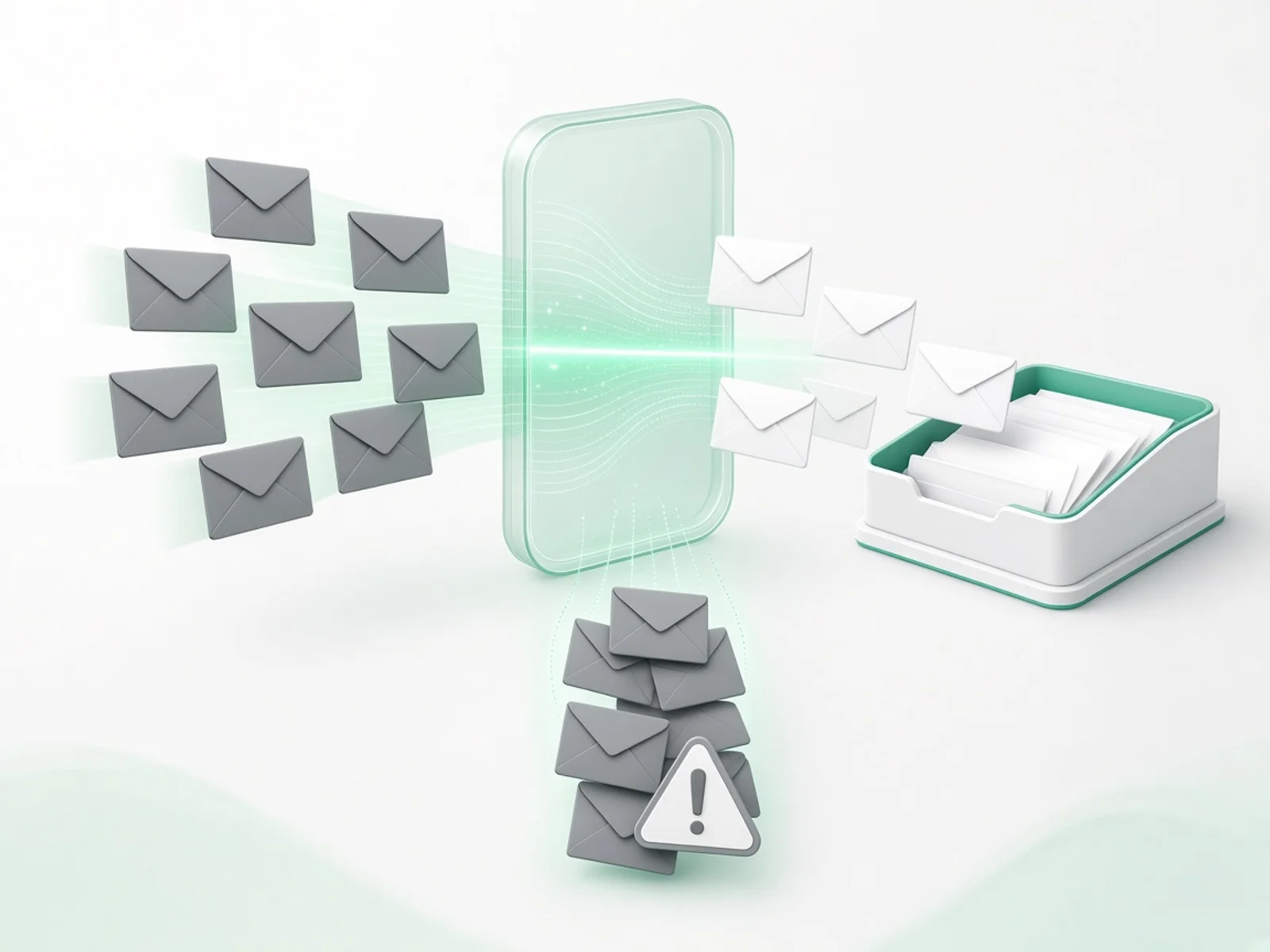
Unwanted mail stays out

Incoming mail is filtered for spam before it reaches the inbox, and anything that slips through can be reported in one click.

  • Spam filtering on incoming mail
  • Report spam from the message toolbar
  • Rules to file or mark mail automatically

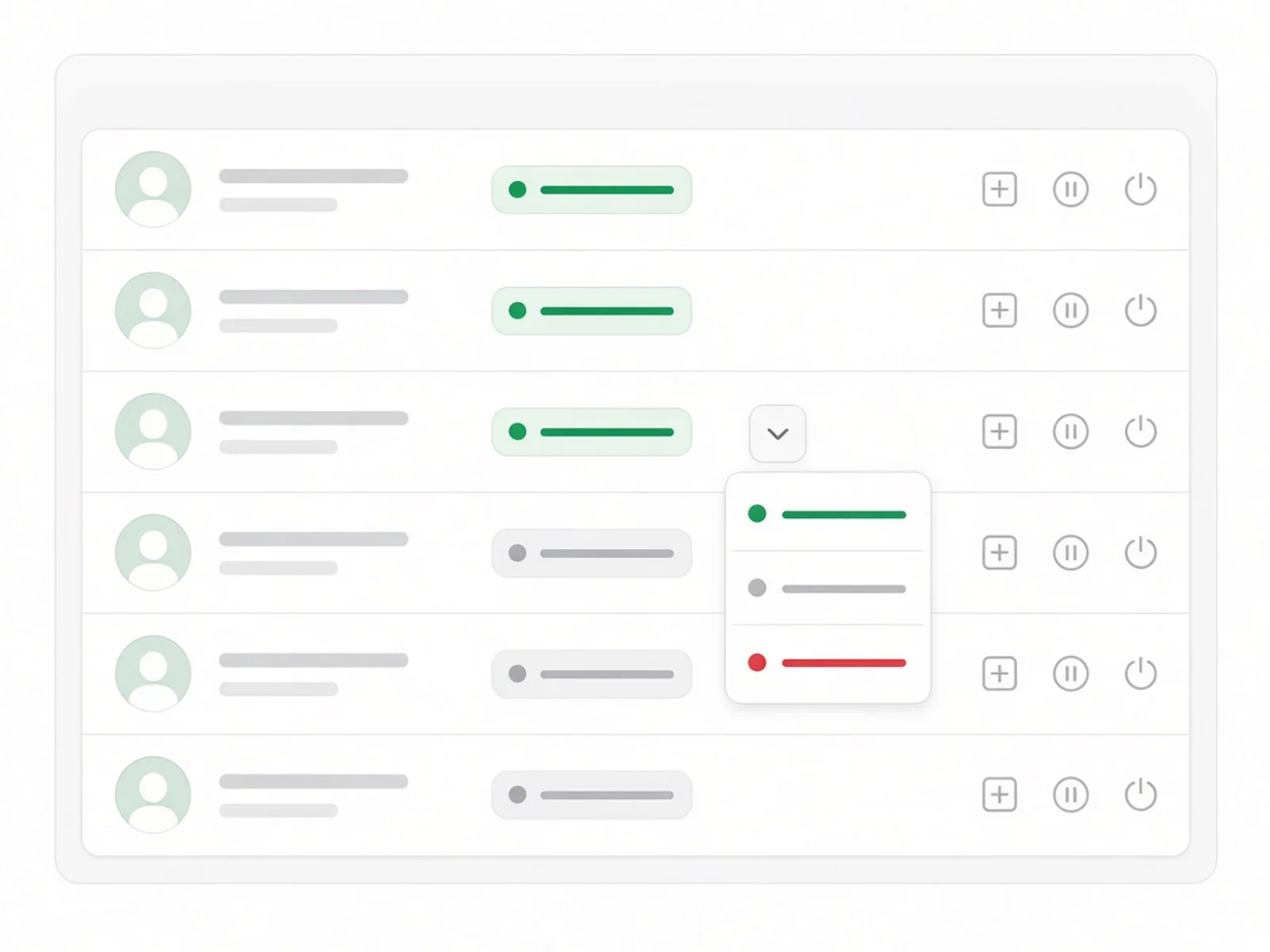
The business stays in control

Admins manage domains, mailboxes, billing and the team. Members just get on with their mail.

  • Admin and member roles
  • Suspend and restore mailboxes as people join and leave
  • Turn a mailbox off without deleting its mail
  • A separate billing contact for receipts

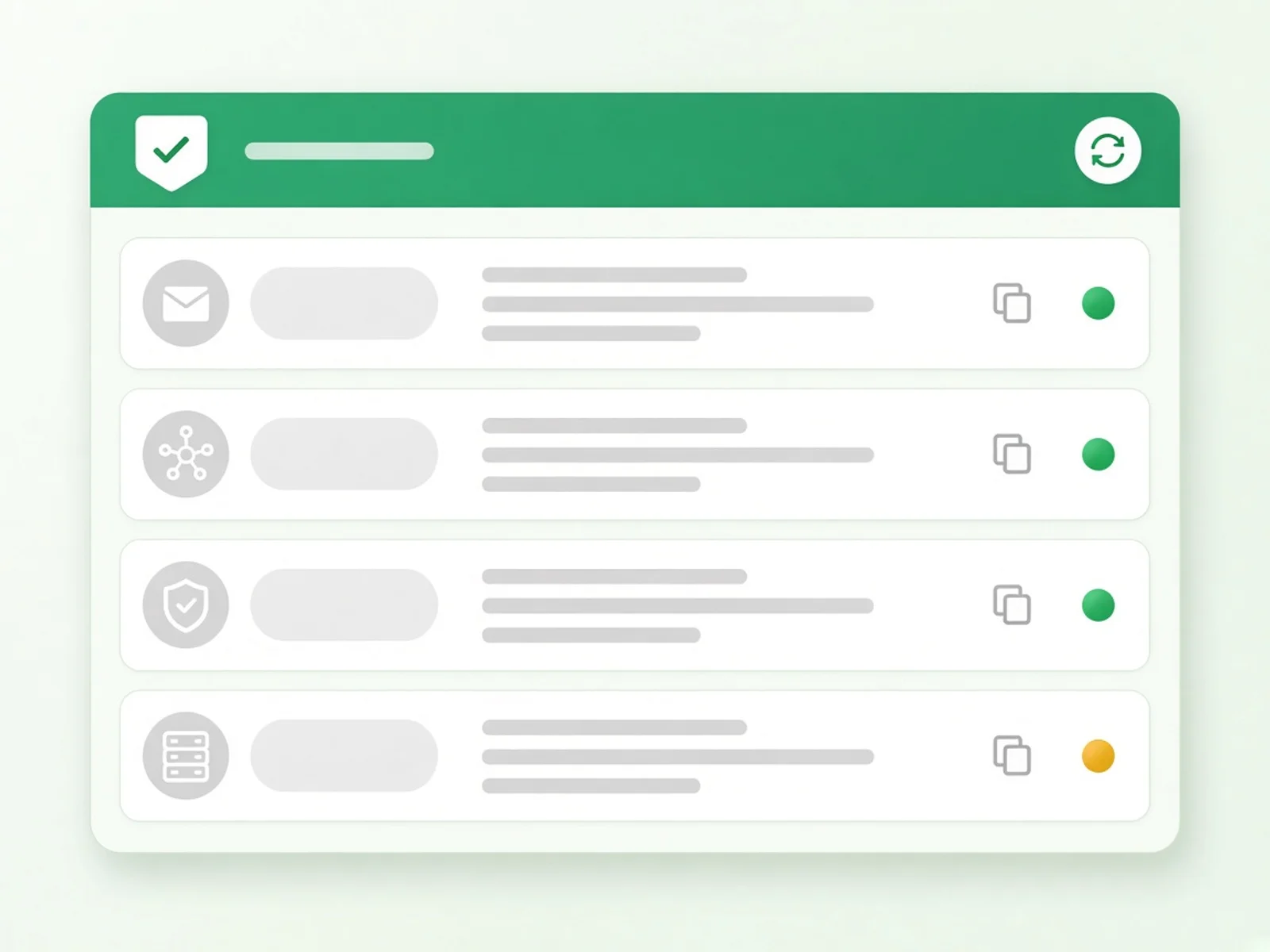
A domain you can see is set up right

Mail lists every DNS record to publish and checks each one, so you know the domain is ready before anyone sends from it.

  • Each record shows Found or Missing
  • Re-check after updating your DNS host
  • The domain turns Active once the records are in place

Security questions, answered.

Does Scalar360 Mail support 2-step verification?

Yes. Each person can turn on 2-step verification with an authenticator app from their account settings.

Can people sign in without a password?

Yes. Mail supports passkeys, so people can sign in with their device's fingerprint, face or PIN instead of a password.

What happens to a mailbox when someone leaves?

An admin can suspend the mailbox so nobody can sign in, and restore it later. The mail stays with the business.

Is incoming mail checked for spam?

Yes. Incoming mail is filtered for spam before it reaches the inbox, and people can report anything that gets through.

Who can add domains and mailboxes?

Admins. Members use their own mailbox; admins manage domains, mailboxes, billing and the team.

Protected from the first mailbox.

Start a free trial, add your domain and create the first mailboxes in minutes. No card needed.