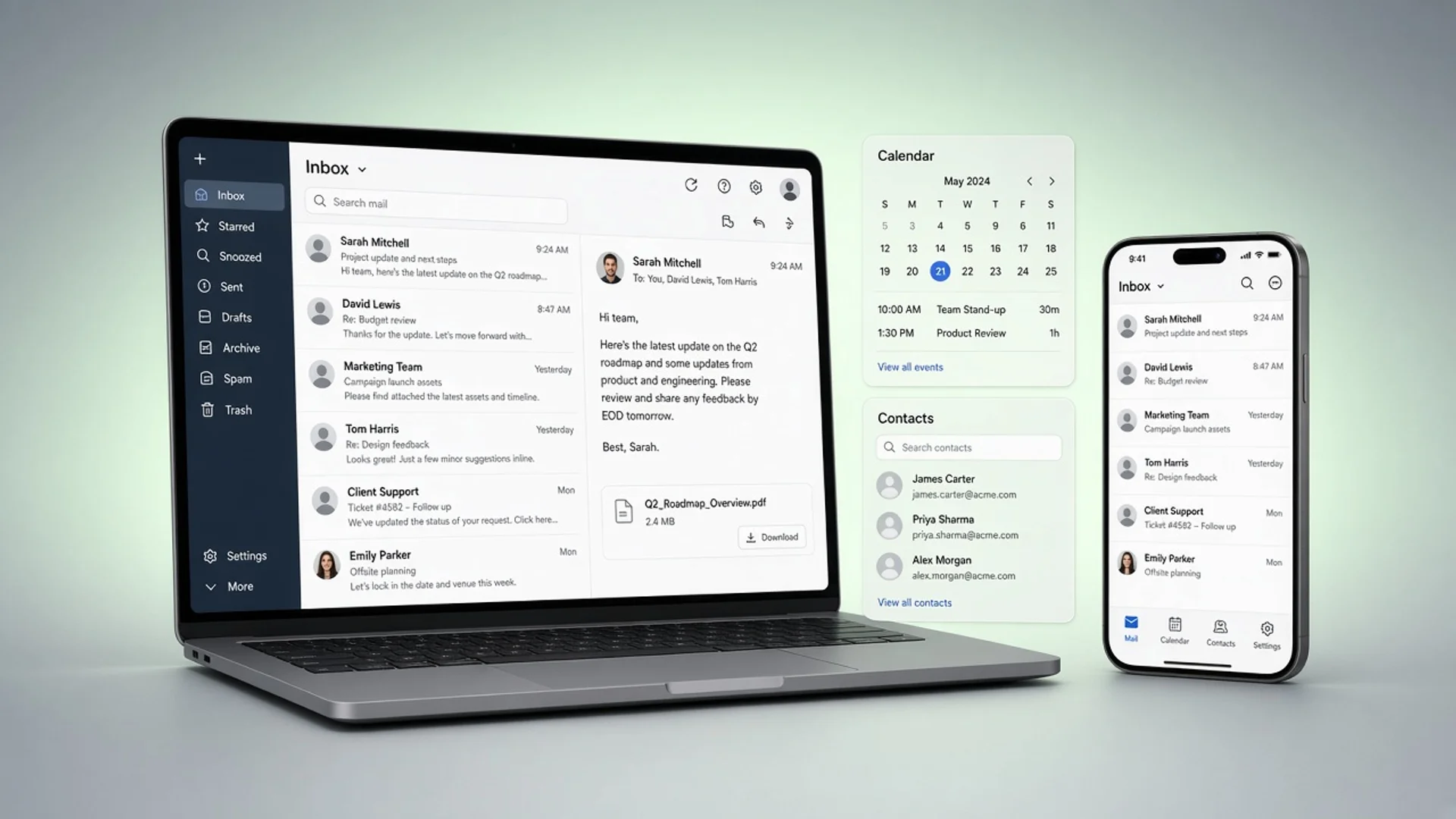
Your domain, your mailboxes
Put the business on its own address and give every person and team a mailbox.
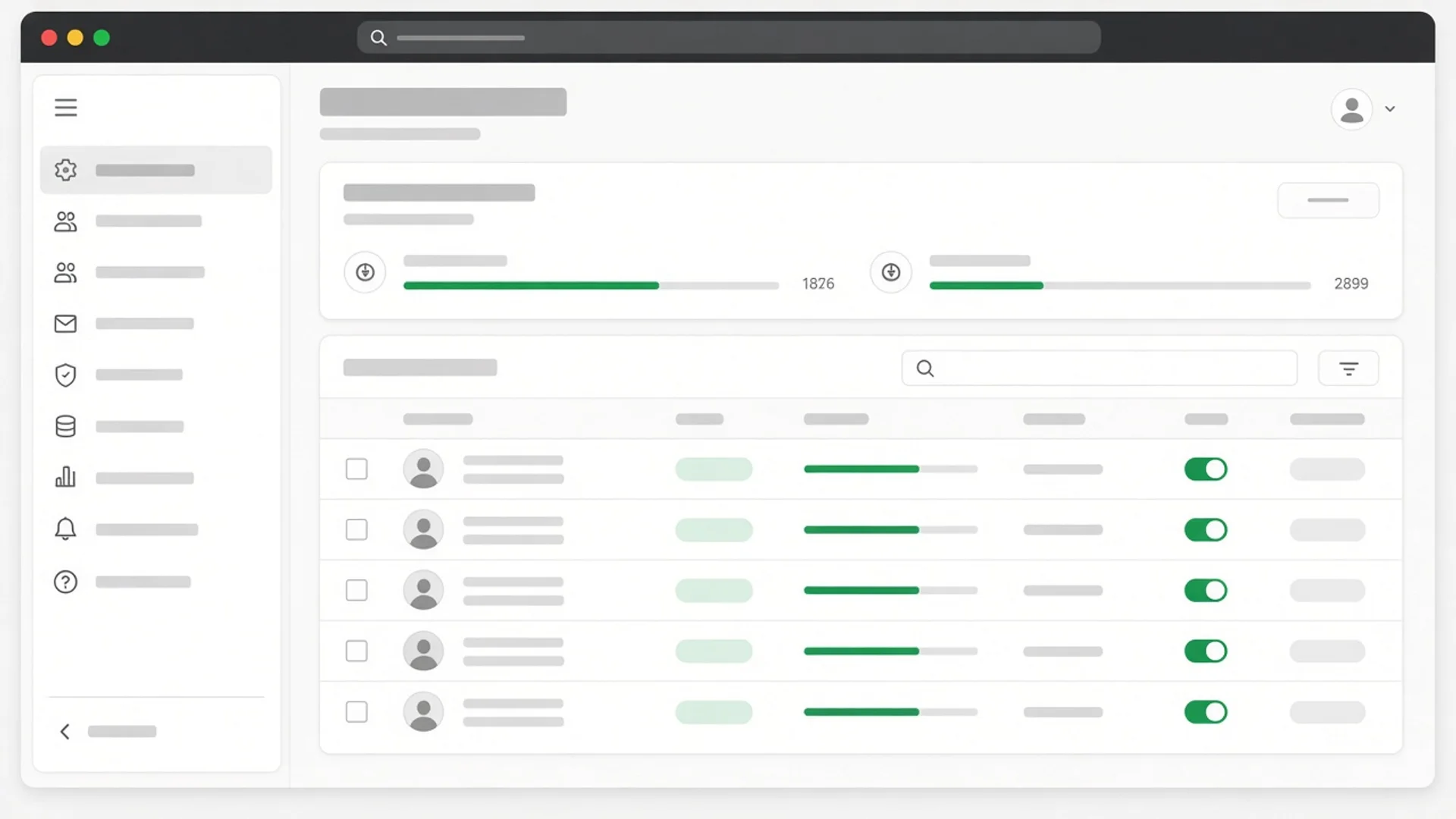
- Add your own domain and follow the DNS records Scalar360 Mail shows, with live status for each one.
- Create mailboxes for people and shared addresses such as sales@ or accounts@.
- Give each mailbox its storage allowance and see how much is used.
- Reset a mailbox password from the admin view when someone is locked out.
- Invite teammates as admins or members; admins manage domains, mailboxes, billing and the team.
- Choose a billing contact for receipts and payment notices, separate from any one person's login.