
Scalar360 Mail · 3 steps
API keys and webhooks
Give your own software access to the Mail API, and get a signed notice when things change in your organisation.
Before you start: Only admins can manage these. Keys act with admin rights — keep them secret.
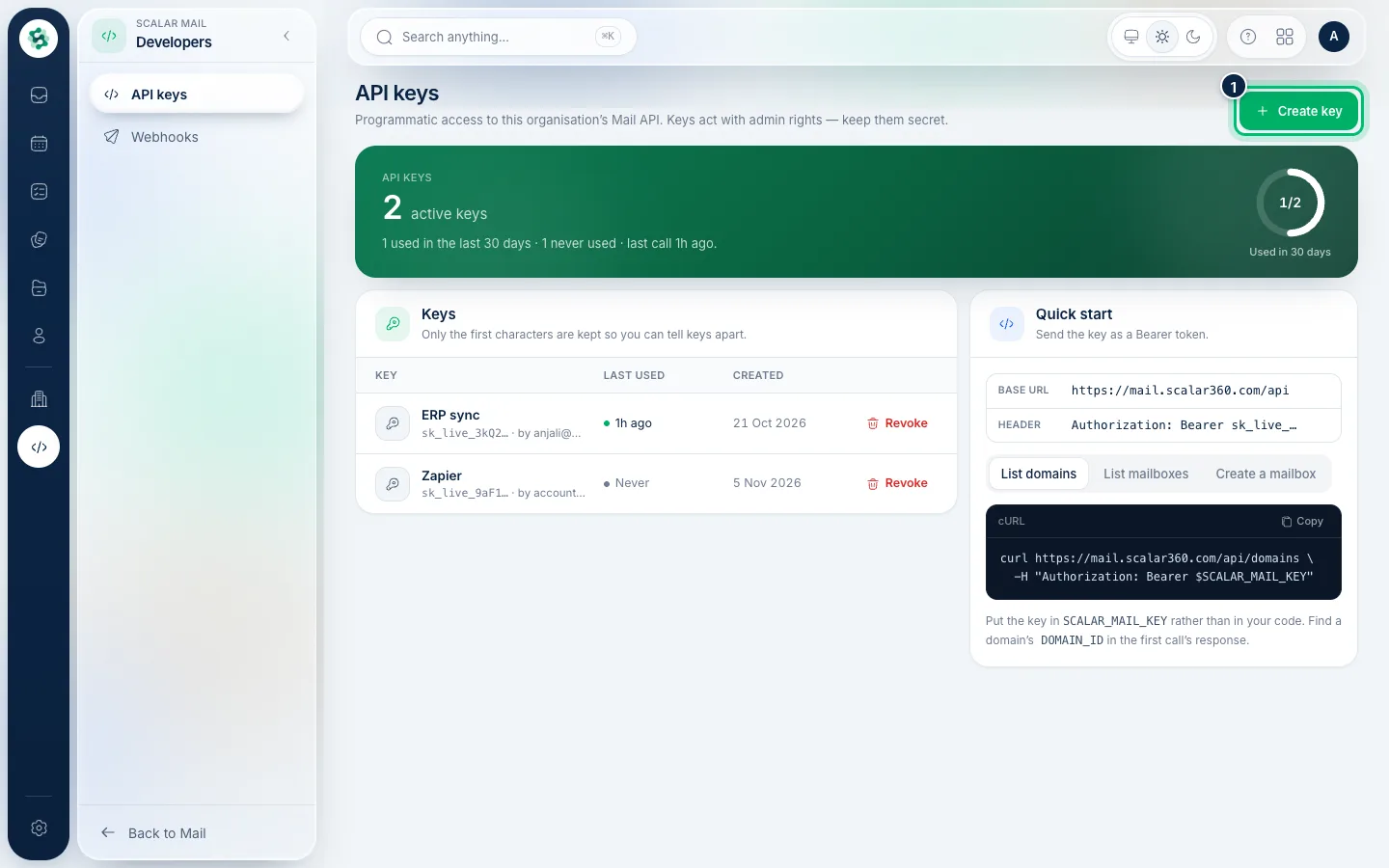
1Create an API key
In the left menu open API keys (under Developers), then Create key. Copy the key when it's shown — it isn't shown again. Revoke a key any time to cut off its access.
2Add a webhook
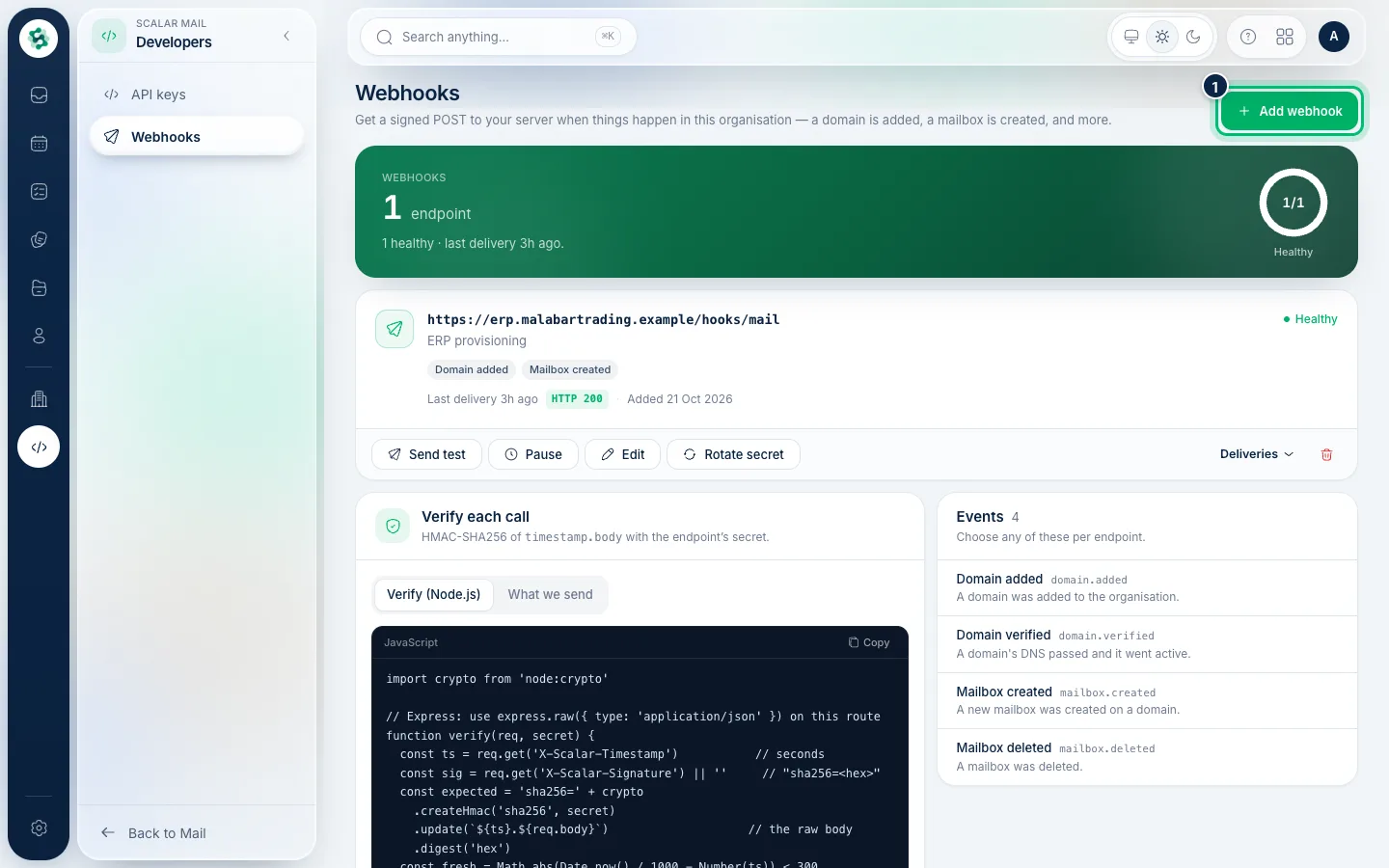
Open Webhooks and choose Add webhook. Enter your server's URL and pick the events to hear about — a domain added, a mailbox created, and more. Scalar360 signs each delivery so you can verify it.
3Check deliveries
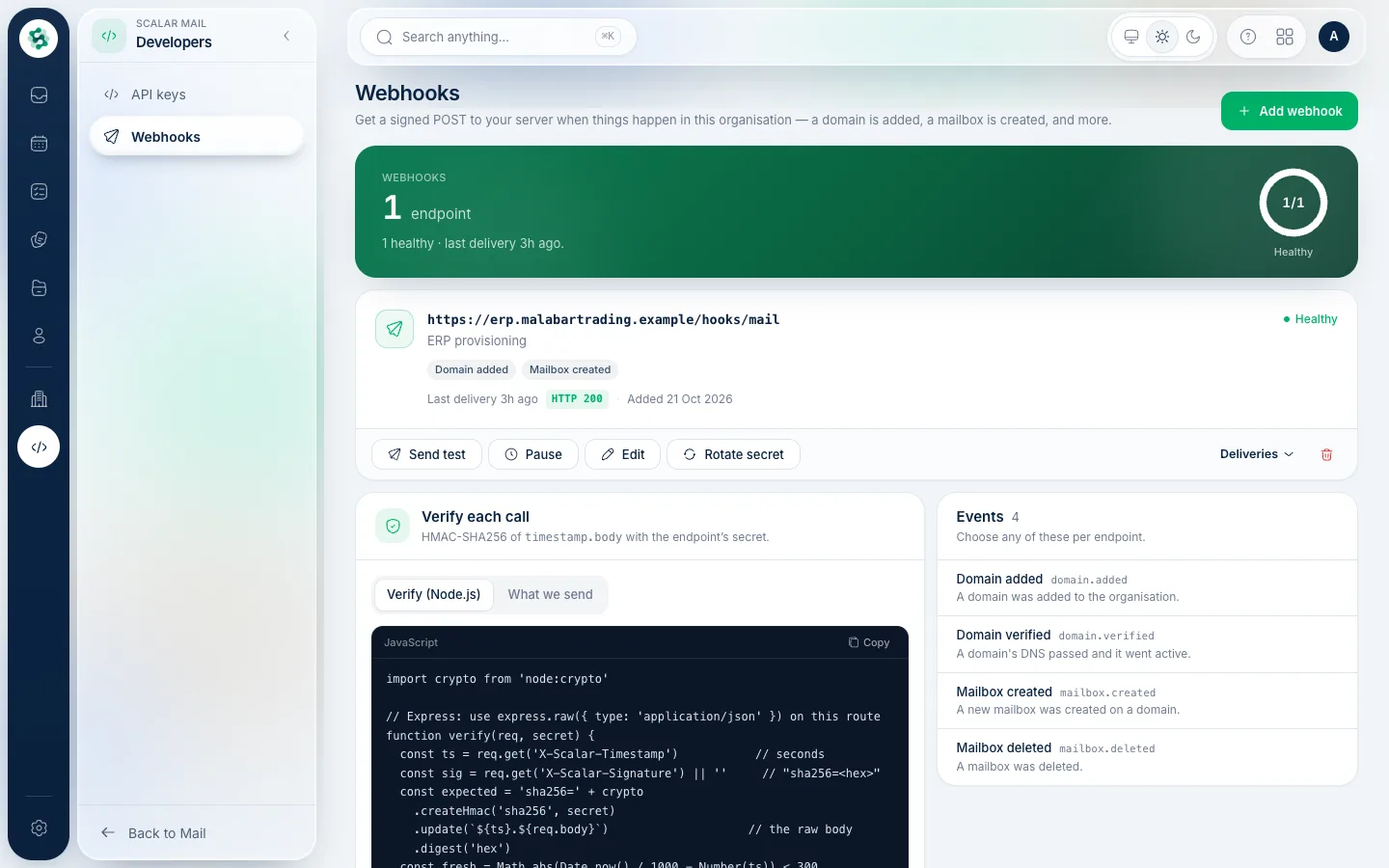
Each webhook lists its recent deliveries with the response code, and lets you send a test or rotate its secret. A webhook that keeps failing is turned off automatically.
Related guides
Still stuck? Contact our support team — or start a free trial to try this in your own company.