
Scalar360 Mail · 3 steps
Import mail from another provider
Bring your old email across from Gmail, Zoho, Yahoo or any IMAP provider, with new mail still arriving while you switch.
Before you start: You need a mailbox to import into, and the old account's address and password (or app password).
1Open Import mail
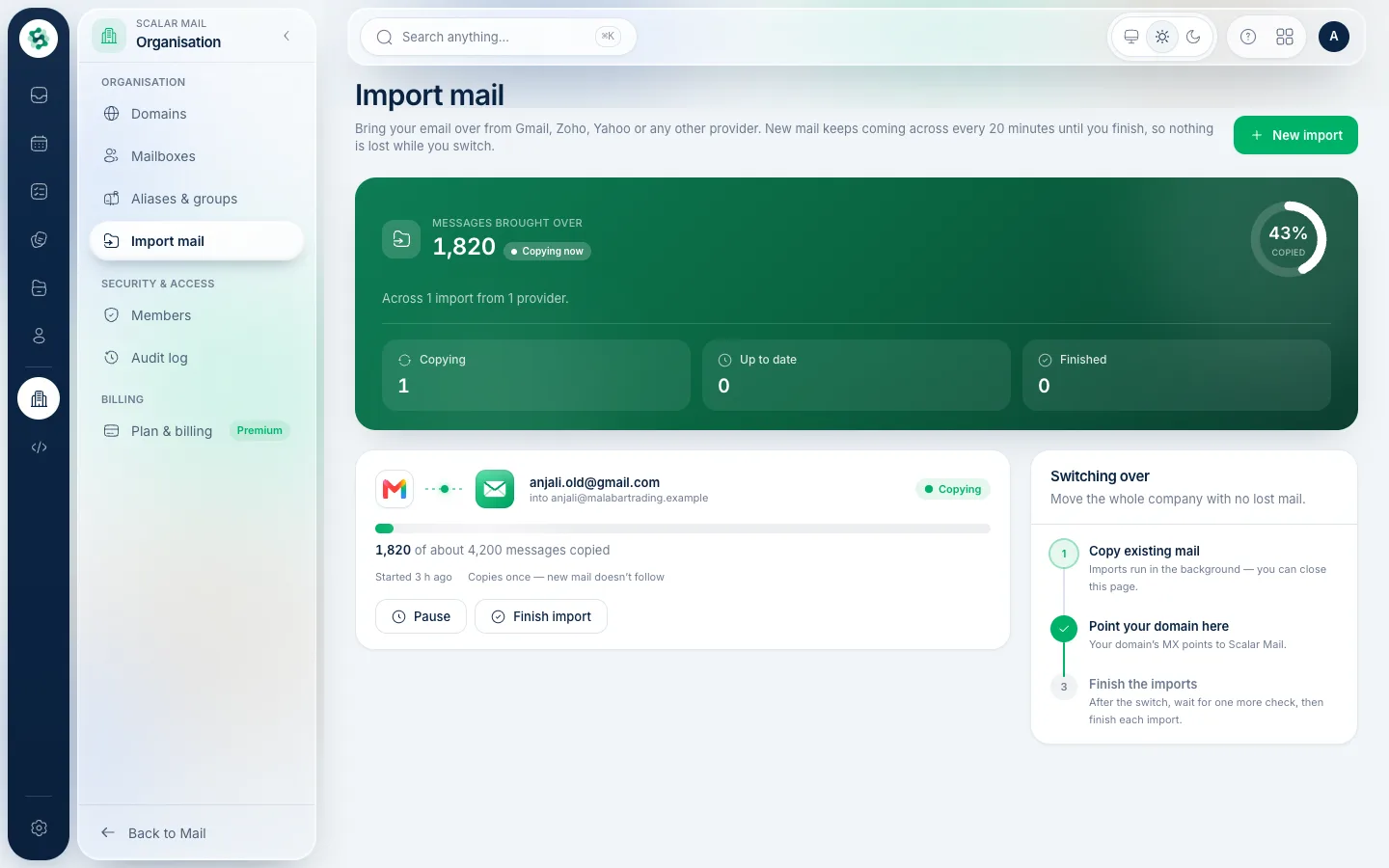
In the left menu open Import mail, then choose New import. Running imports show their progress; you can pause or finish one at any time.
2Connect the old account
Choose the provider (or enter the IMAP server yourself), the old address and its password, and the mailbox to import into. Scalar360 checks the connection before it starts.
3Let it run
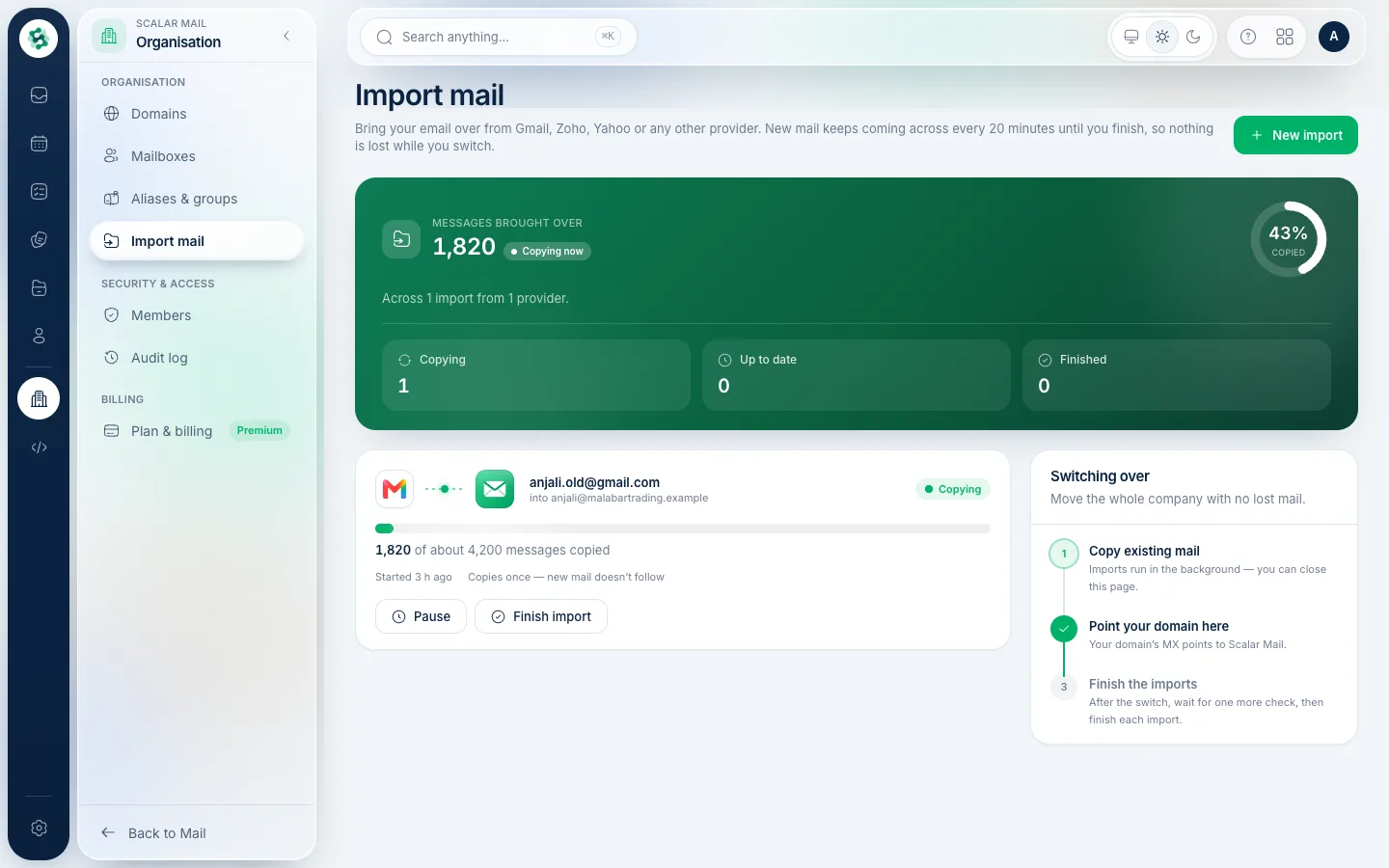
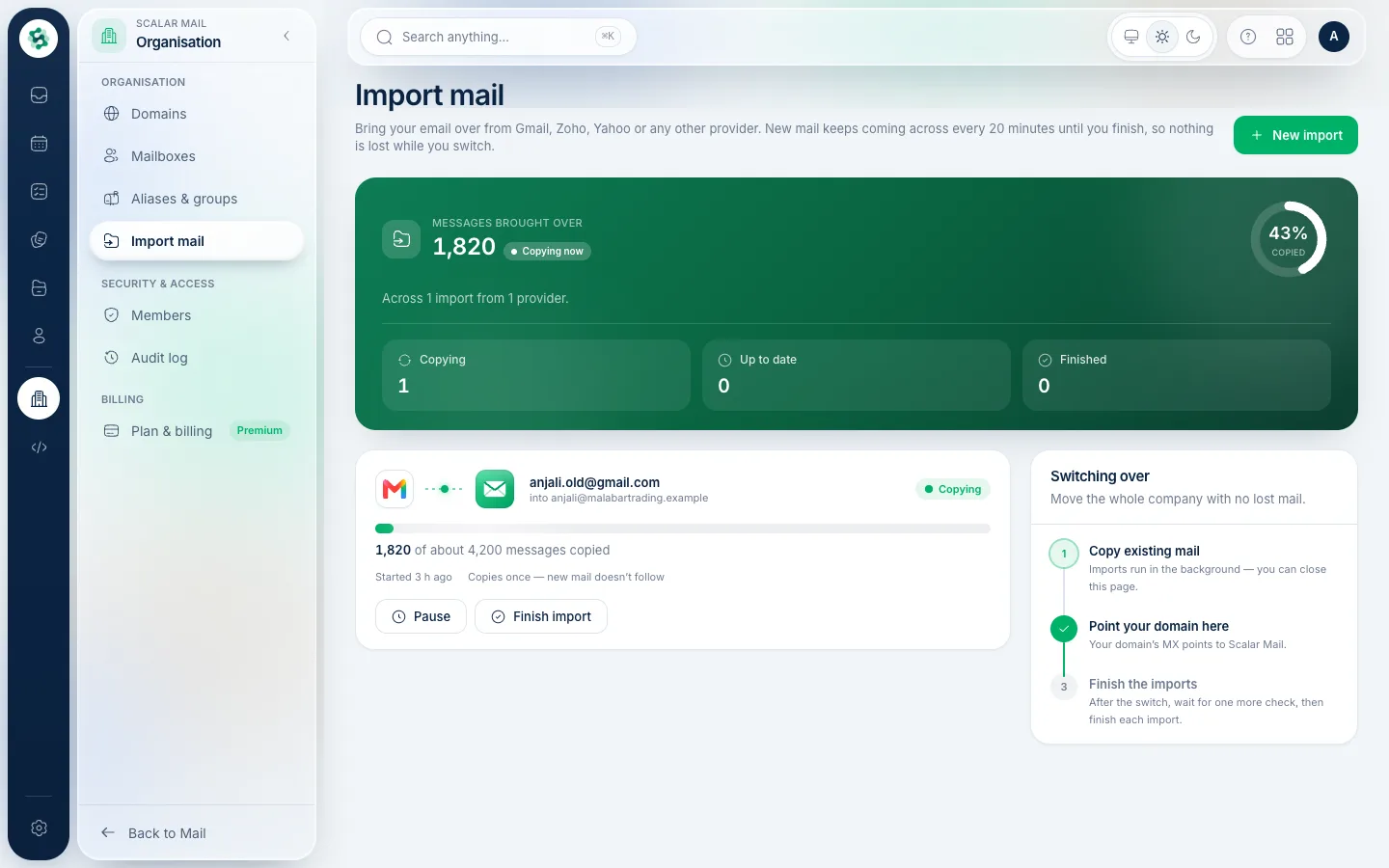
The import copies your folders and messages, showing how many have come across. New mail keeps arriving every few minutes until you choose Finish, so nothing is lost while you move.
Related guides
Still stuck? Contact our support team — or start a free trial to try this in your own company.