
Scalar360 Mail · 3 steps
Tasks, notes and files
Keep a to-do list, jot notes, and find every attachment from your mail in one place.
Before you start: Sign in with a mailbox. These sit beside Mail in the left rail.
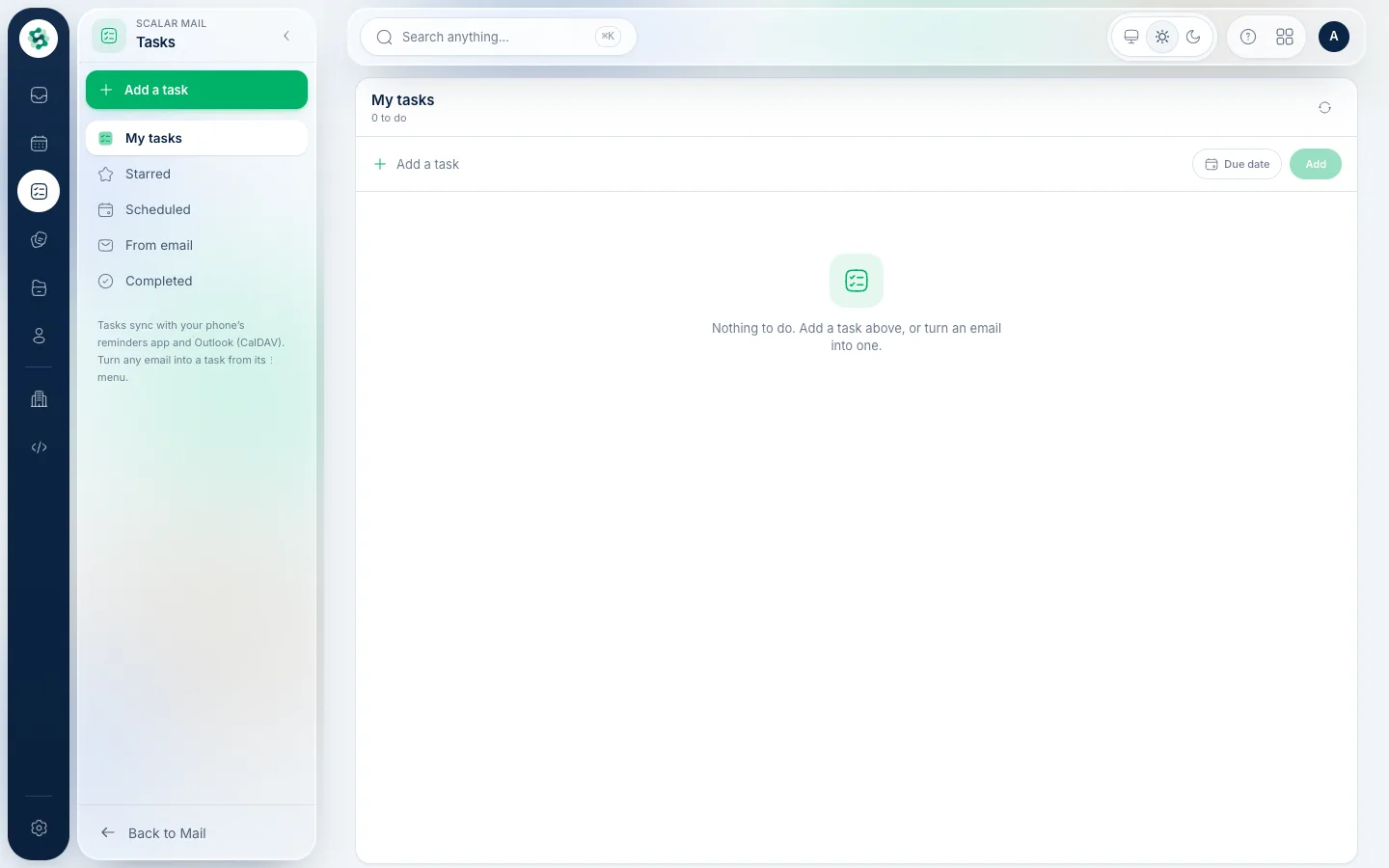
1Keep a task list
Choose Tasks in the left rail to keep a simple to-do list with due dates. From a message, the ⋯ menu's Add to tasks turns an email into a task.
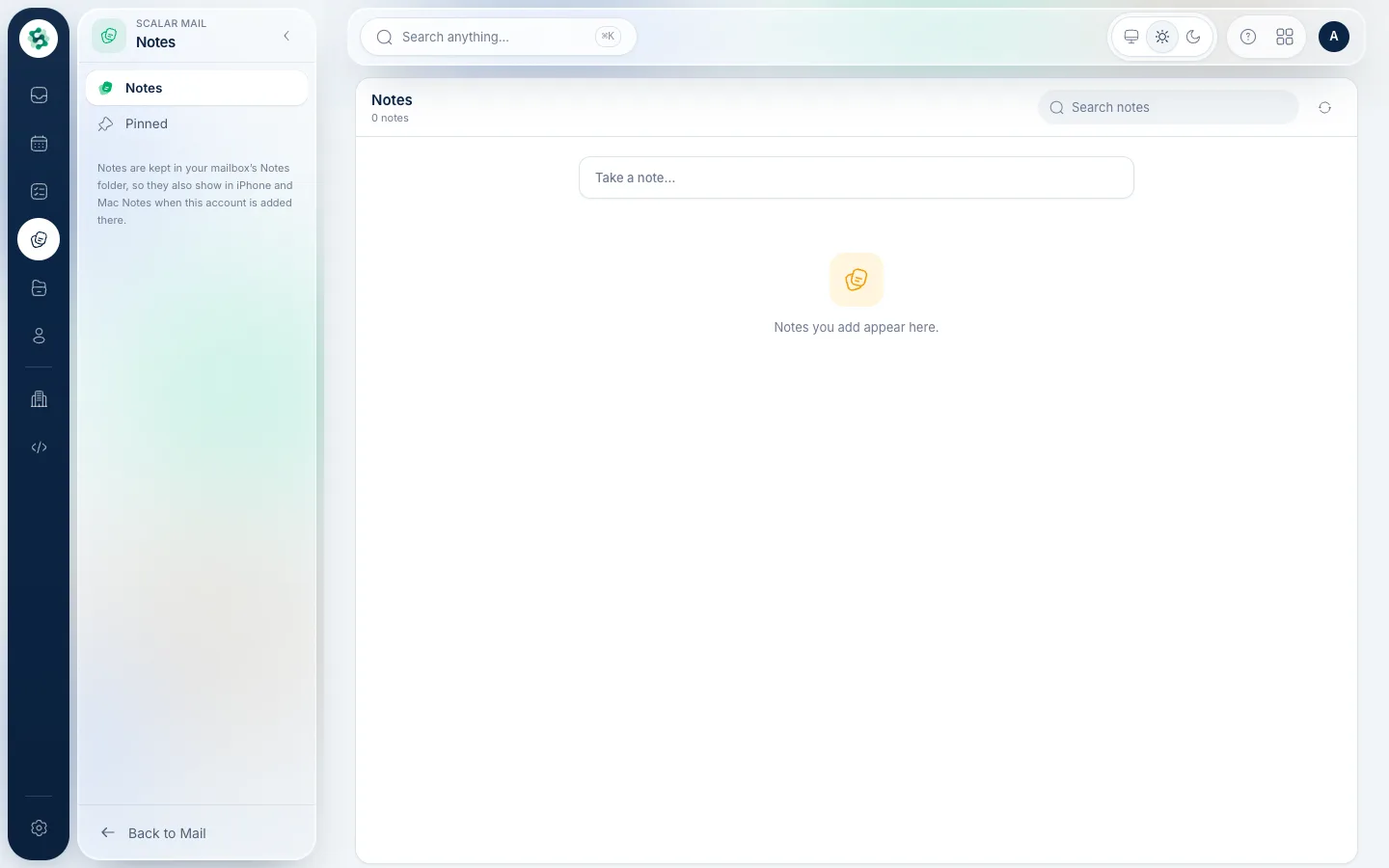
2Write notes
Notes is for quick notes that stay with your mailbox and sync to your other devices.
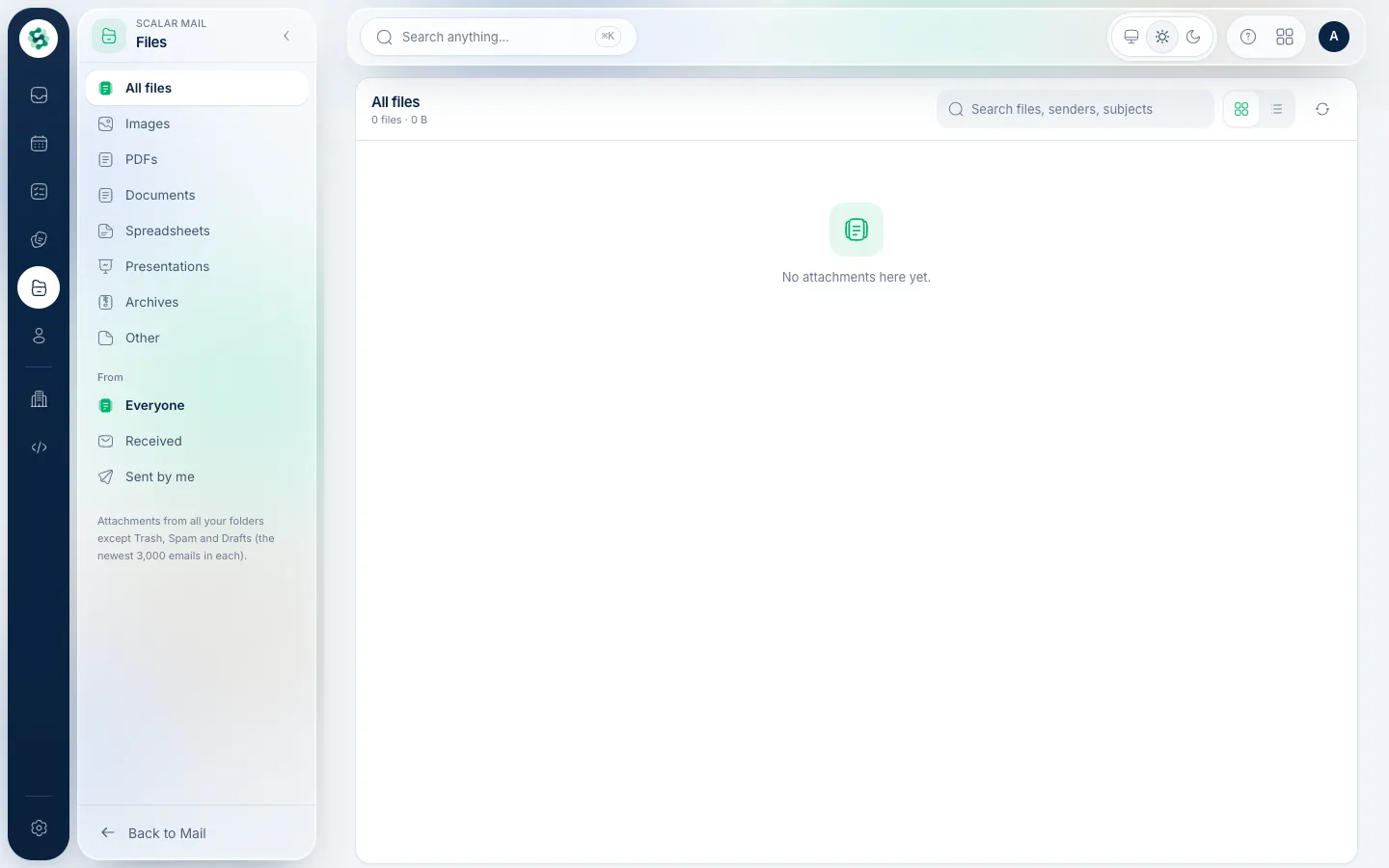
3Find your attachments
Files gathers every attachment you've sent or received, newest first, so you can find a document without hunting through messages.
Related guides
Still stuck? Contact our support team — or start a free trial to try this in your own company.