
Accounting & GST · 4 steps
Read the accounting dashboard
See your financial position at a glance — assets, liabilities, profit, dues and GST payable — and jump to the detailed reports.
Before you start: The dashboard fills itself from your invoices, bills, receipts and payments. There's nothing to set up first.
1Open the Accounting dashboard
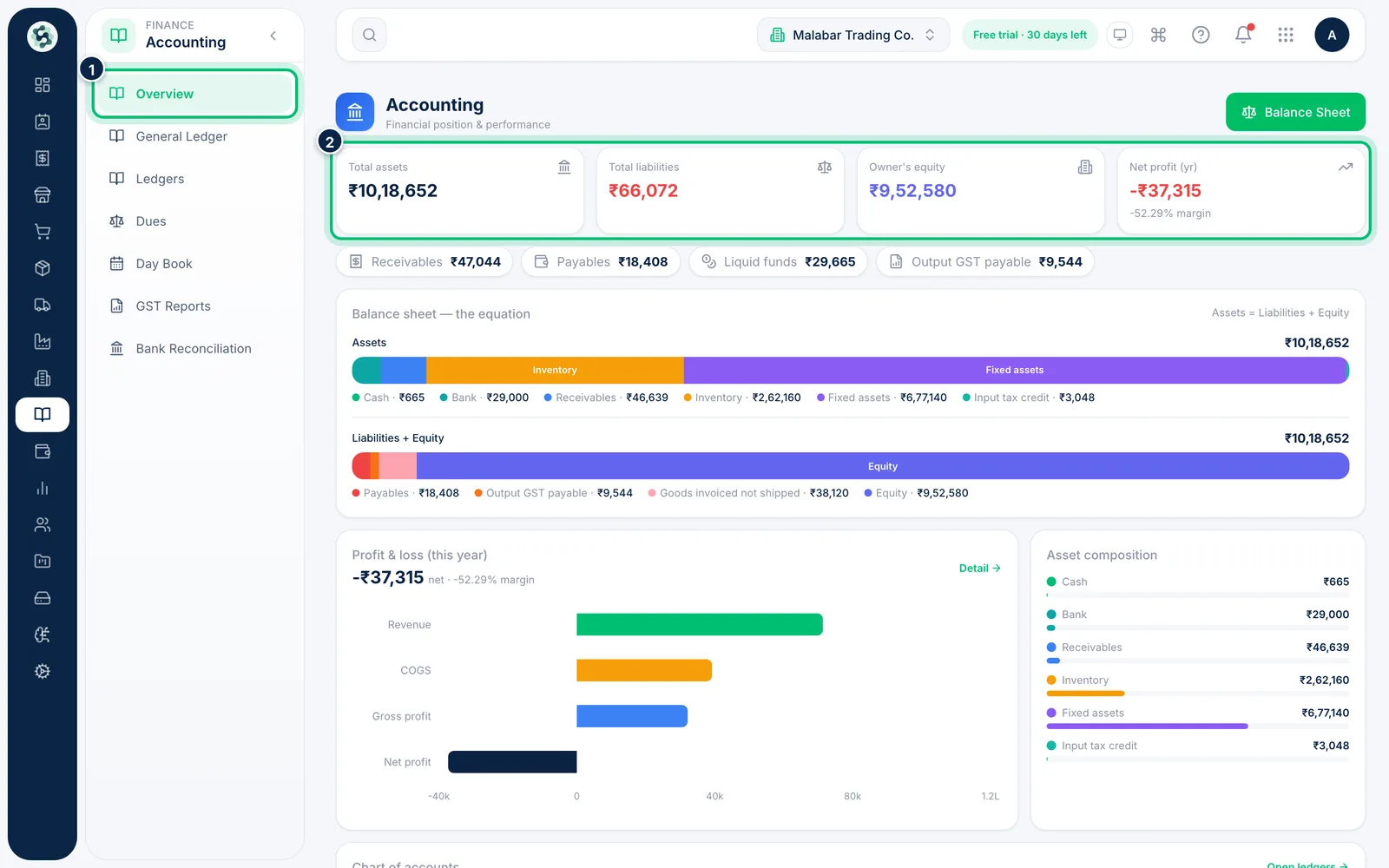
In the left menu open Accounting → Overview. The four cards at the top show Total assets, Total liabilities, Owner's equity and Net profit (yr) for the current financial year.
2Check dues, cash and GST payable
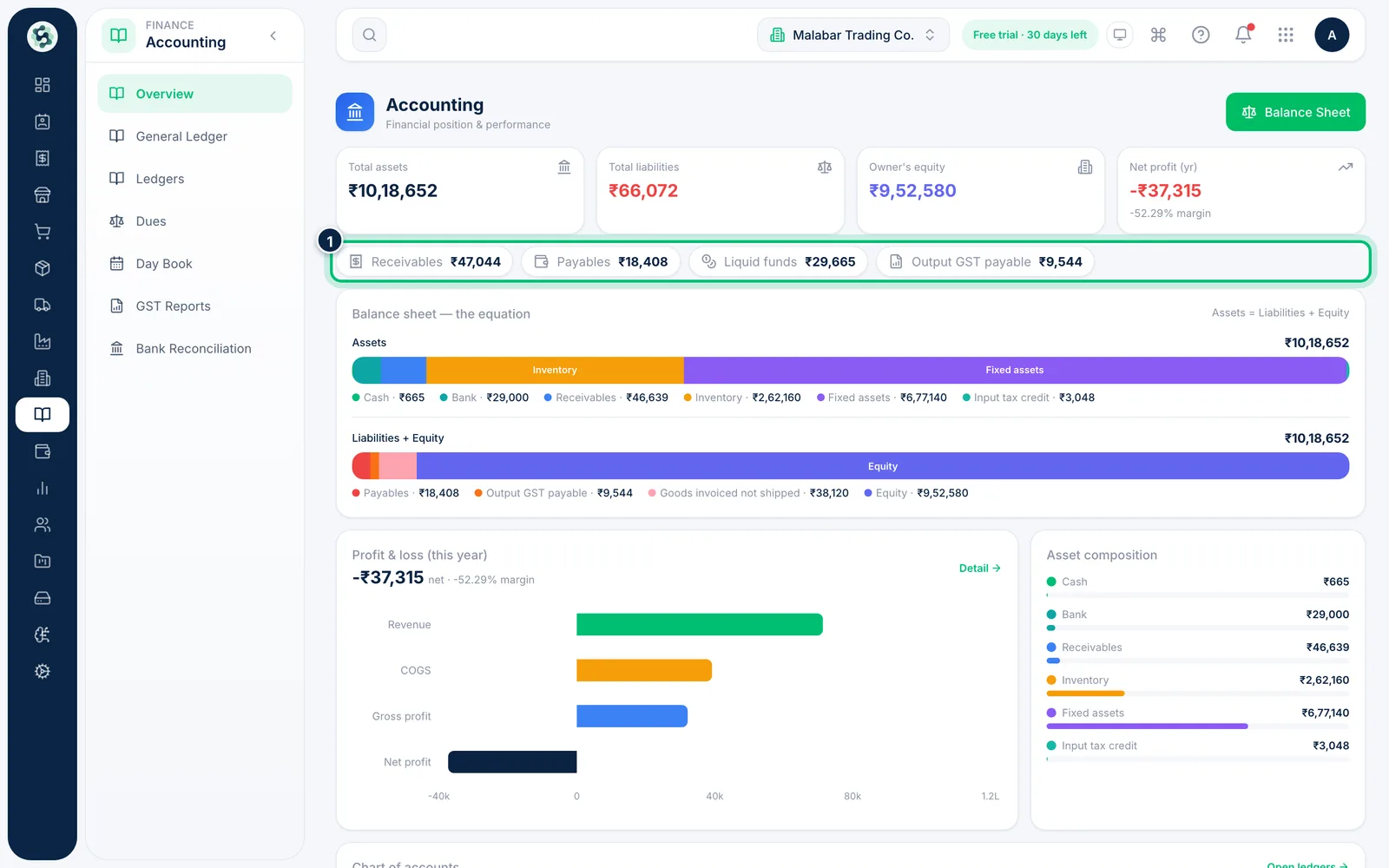
Below the cards, the pills show Receivables, Payables, Liquid funds (cash plus bank) and Output GST payable. Click Receivables, Payables or Output GST payable to open the matching report.
3See how the balance sheet adds up
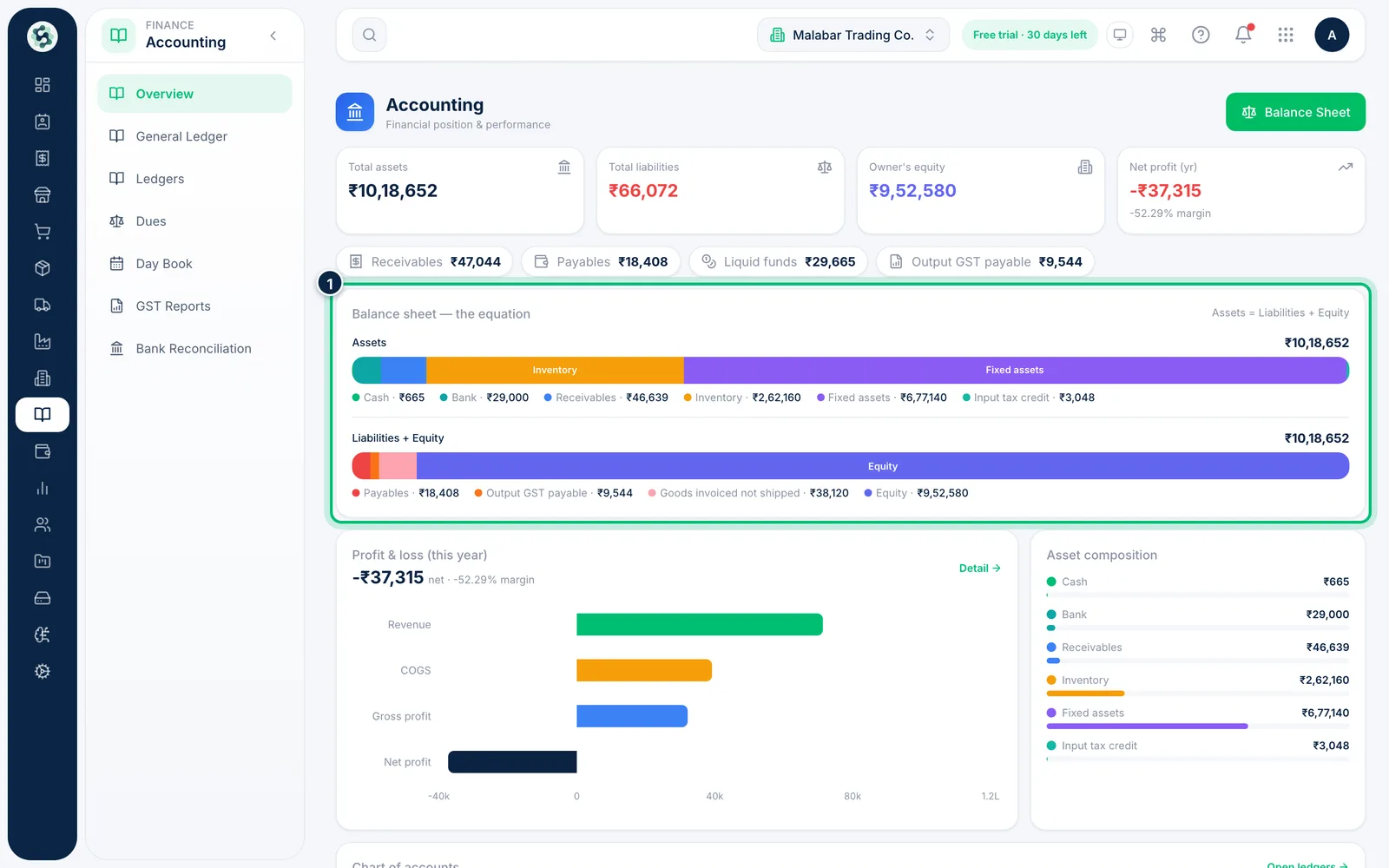
Balance sheet — the equation splits your assets (bank, receivables, inventory, input tax credit …) and your liabilities plus equity into coloured bars. Both totals are always equal: Assets = Liabilities + Equity.
4Jump to an account or a report
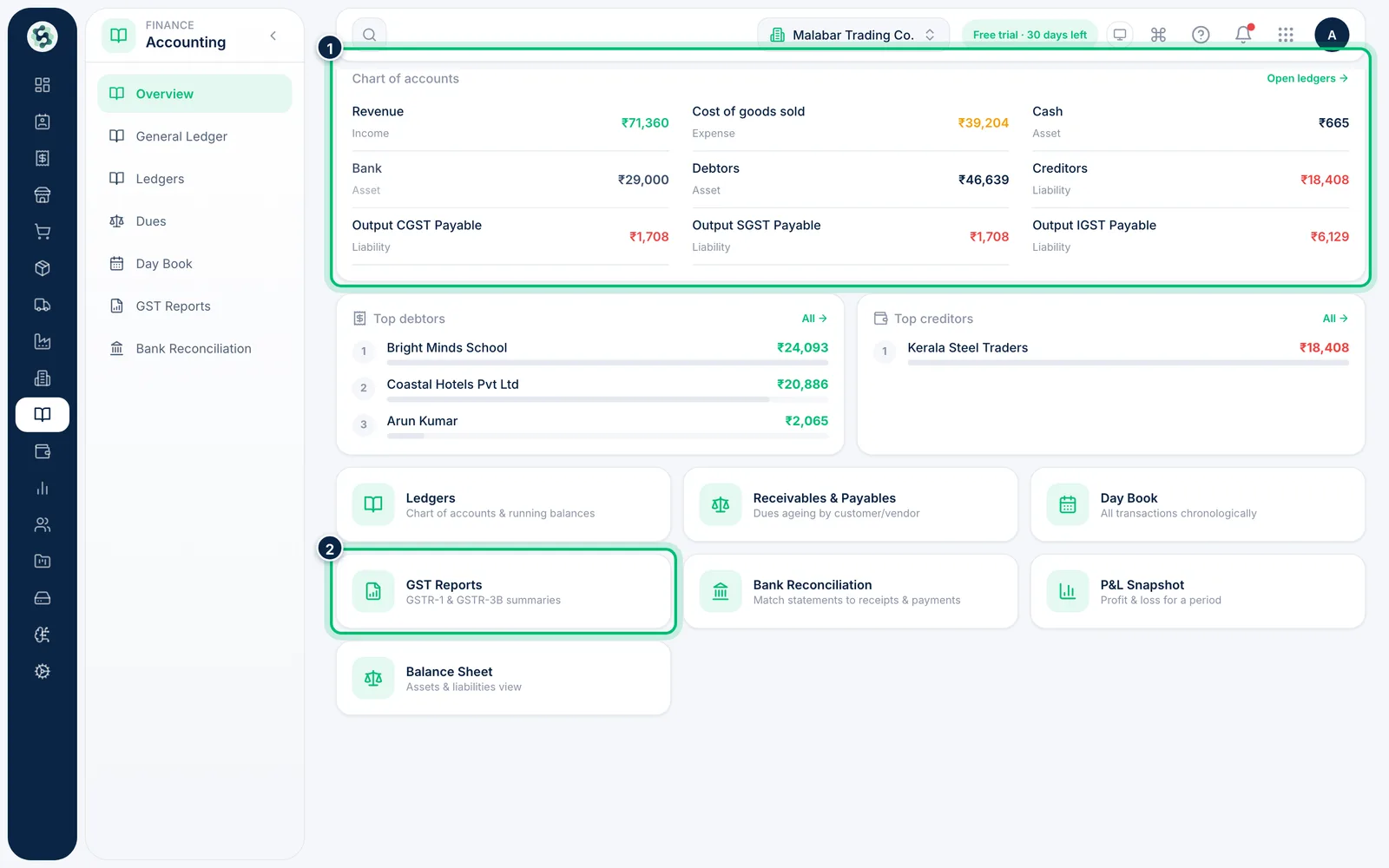
The Chart of accounts card lists your main balances — click any of them to open its ledger. The tiles at the bottom take you to Ledgers, Receivables & Payables, Day Book, GST Reports, Bank Reconciliation, the P&L and the Balance Sheet.
Related guides
Still stuck? Contact our support team — or start a free trial to try this in your own company.