
Manufacturing · 3 steps
Track production on the dashboard
See open work orders, material cost, plans, requests and job cards at a glance, and jump into any of them.
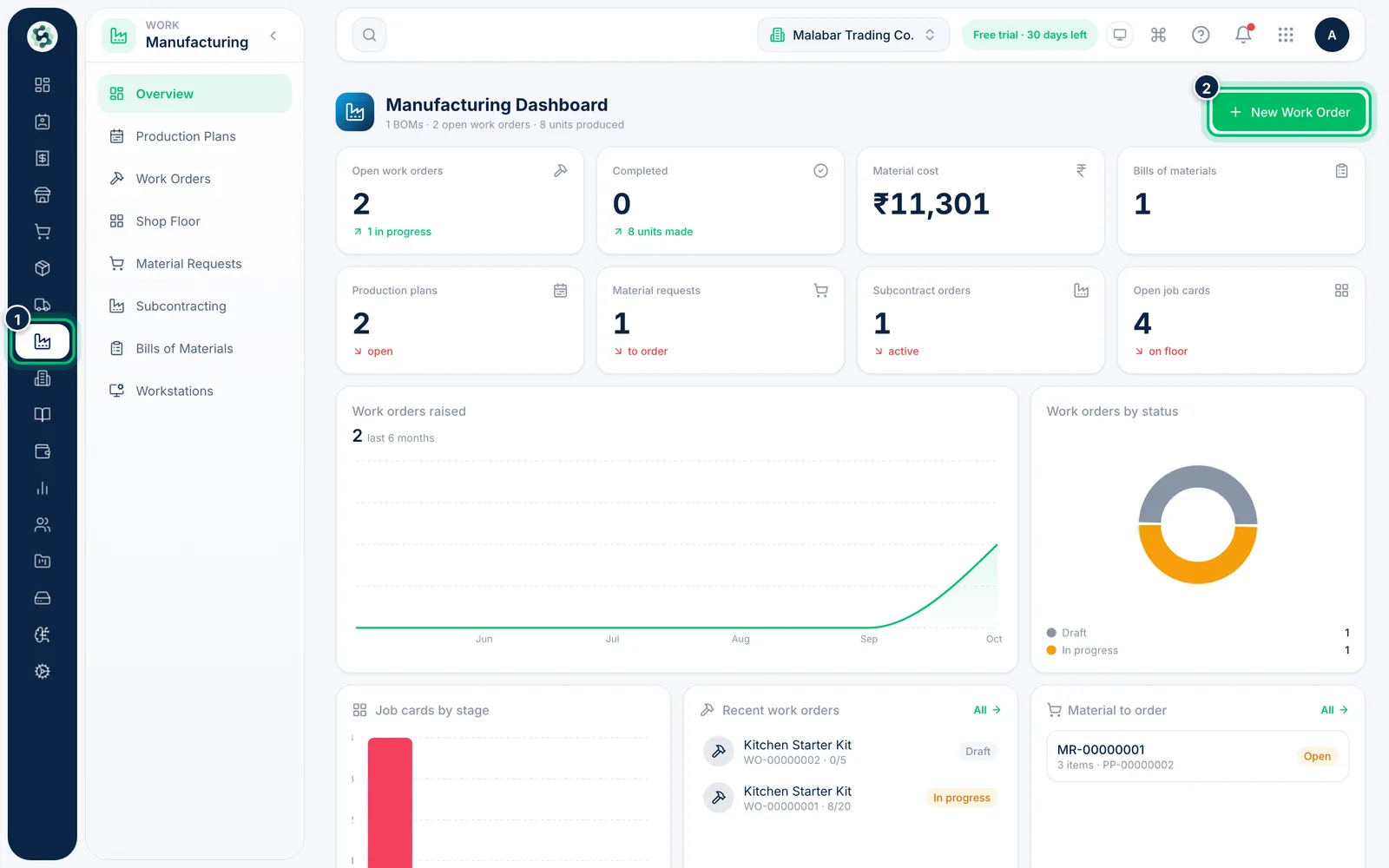
1Open the Overview
Open Manufacturing → Overview. The header summarises BOMs, open work orders and units produced. Choose New Work Order to raise one straight away.
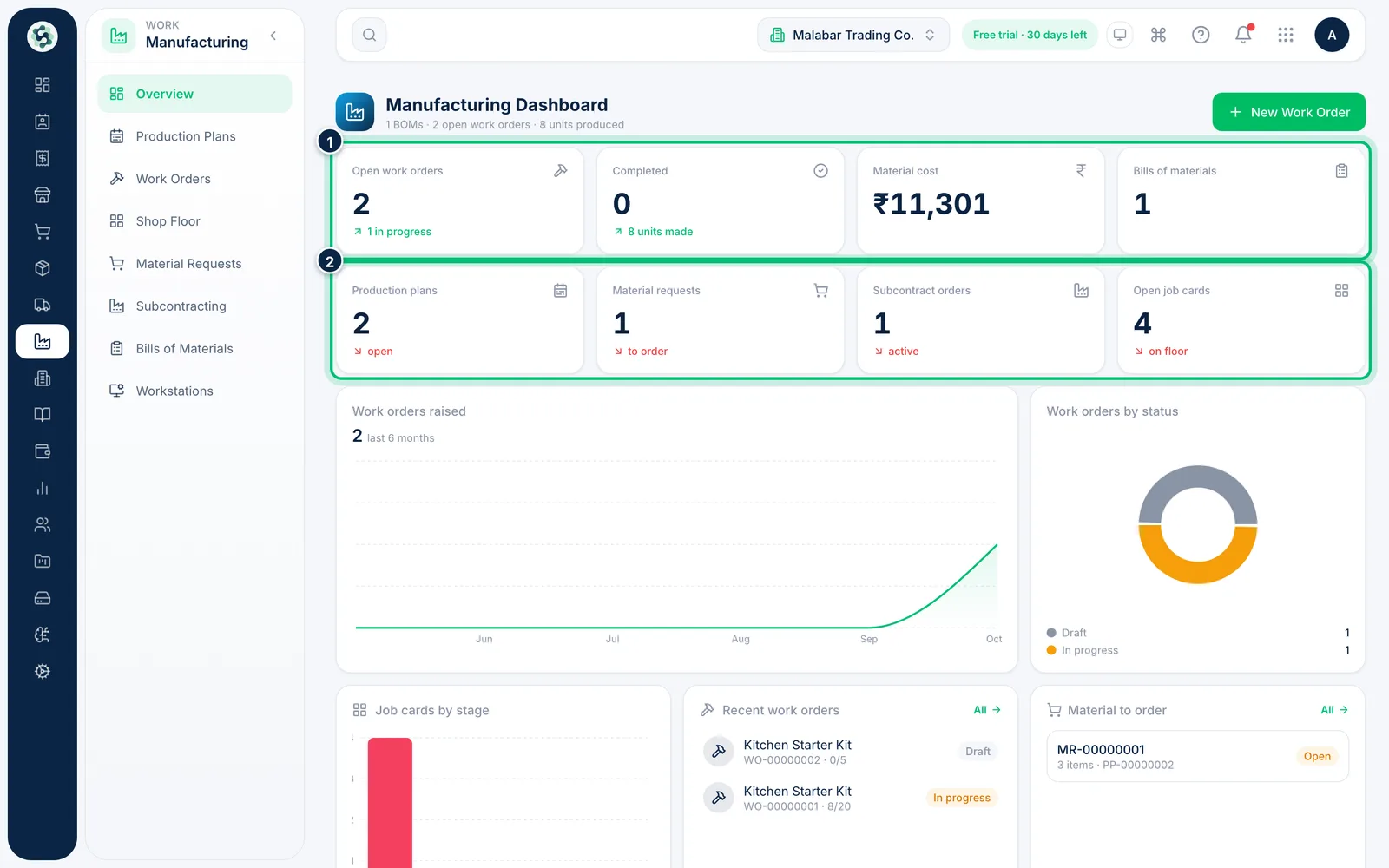
2Read the key figures
The cards count Open work orders, Completed orders, Material cost and Bills of materials, then Production plans, Material requests, Subcontract orders and Open job cards.
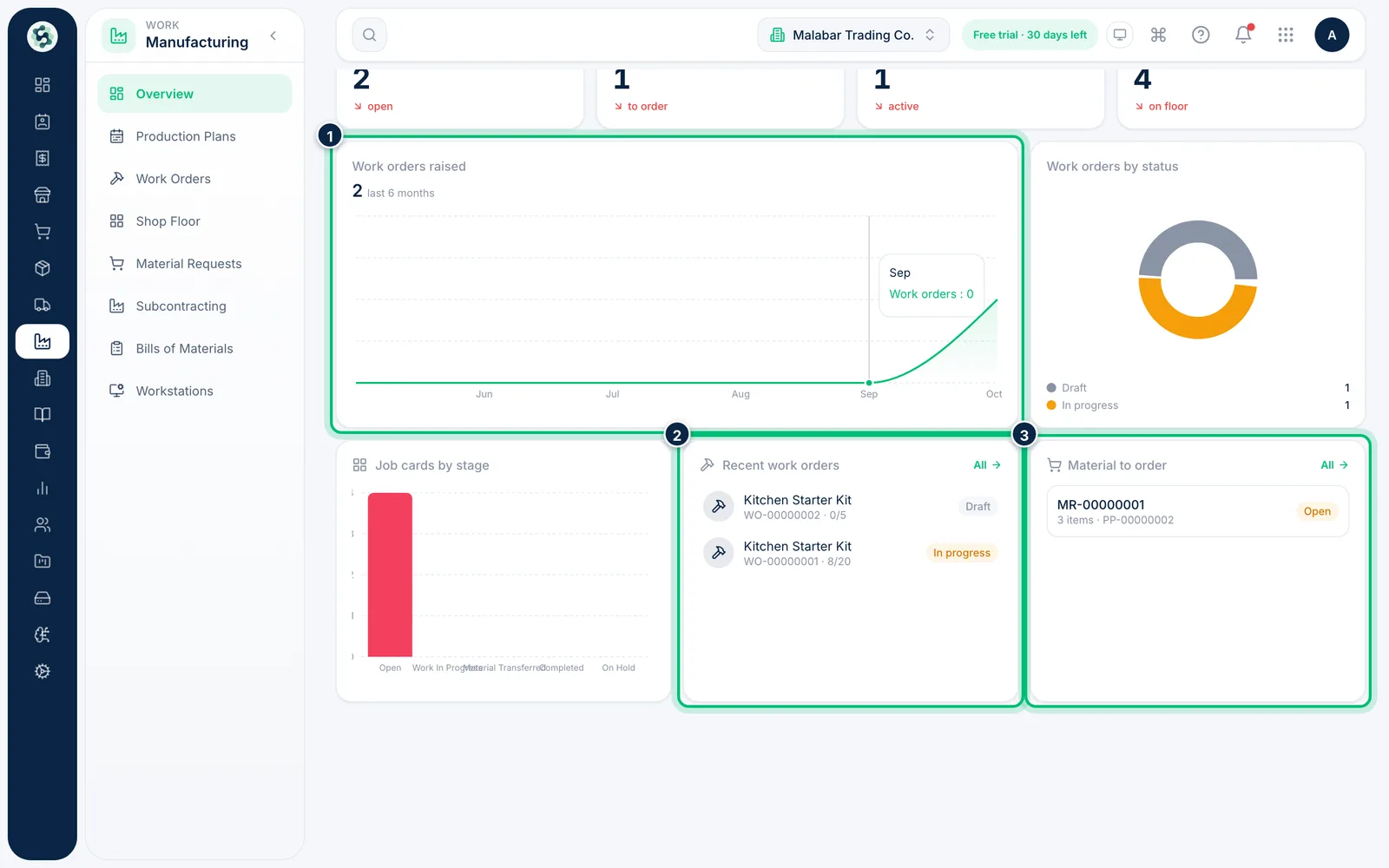
3Follow recent work and material to order
Work orders raised shows the last six months, and Job cards by stage shows where the floor stands. Recent work orders and Material to order link straight to the records.
Related guides
Start, produce and scrap on a work orderStart a work order, check the material it will use, record good units and rejects, and watch finished stock rise as you go.Plan production and check materialsList what you want to make, see whether the components are in stock, then raise work orders or a material request from the plan.
Still stuck? Contact our support team — or start a free trial to try this in your own company.