
People & payroll · 5 steps
Set up departments, attendance policy and statutory rates
Configure the departments and designations, working days and attendance rules, PF, ESI and PT rates, and payslip design that the rest of People Operations uses.
Before you start: You need permission to manage People settings.
1Add departments and designations
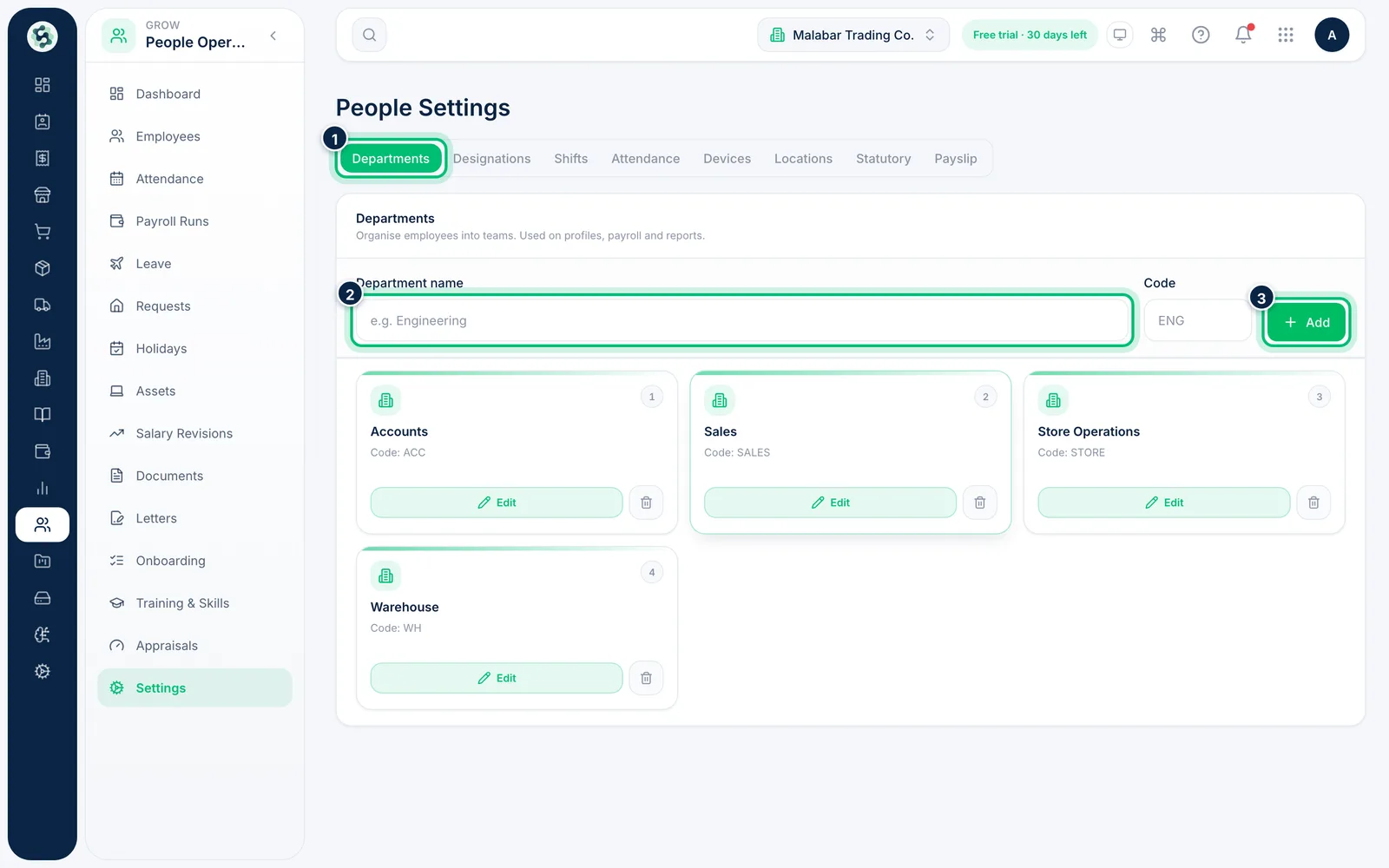
Go to People Operations → Settings. On Departments, enter a Department name and Code and choose Add. Then open Designations to add job titles under each department.
2Set the attendance policy
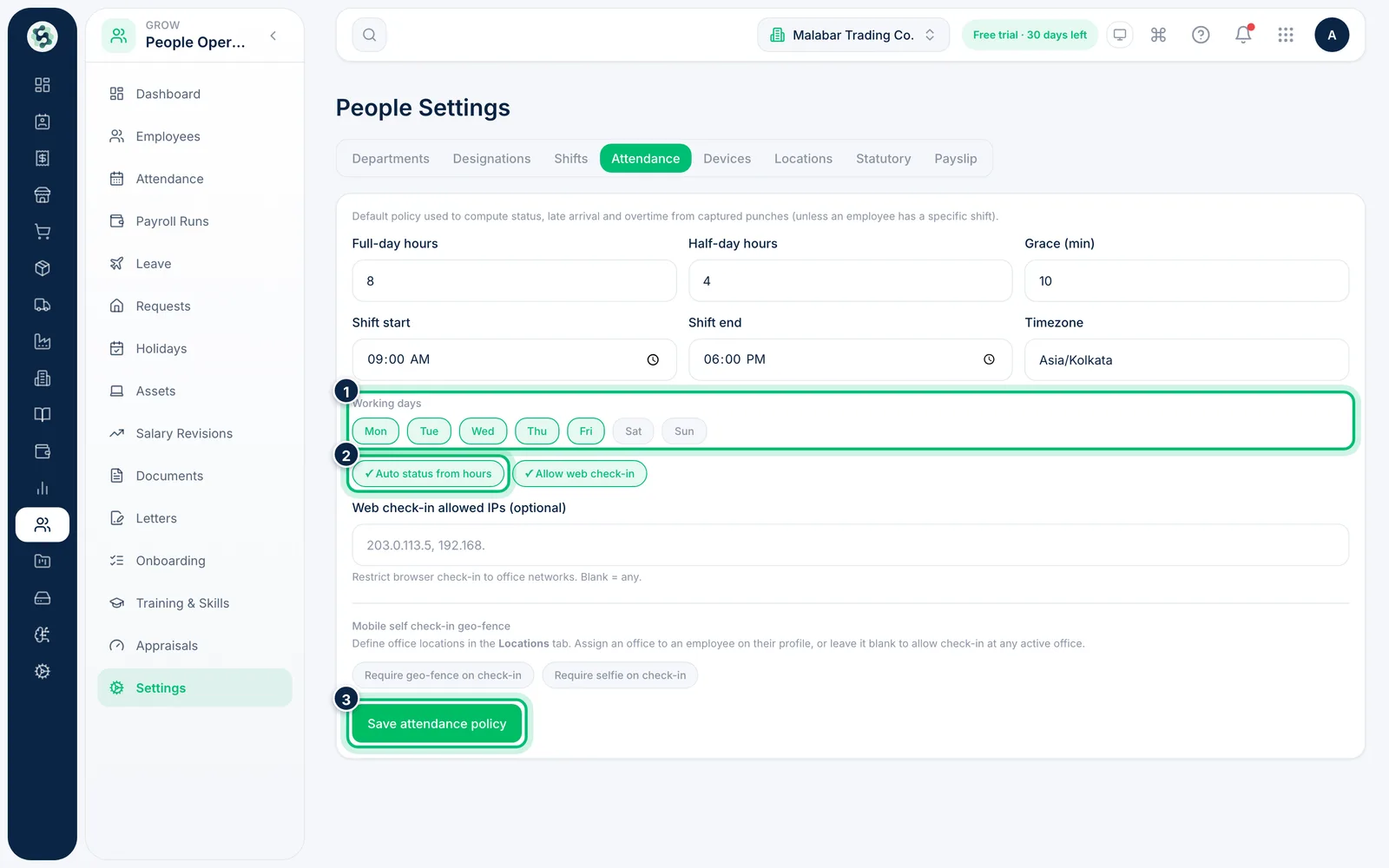
Open Attendance to set full-day and half-day hours, grace minutes, shift times and Working days. Auto status from hours works out the status from punches, and Allow web check-in lets people clock in from the browser. Choose Save attendance policy.
3Check the PF, ESI and Professional Tax rates
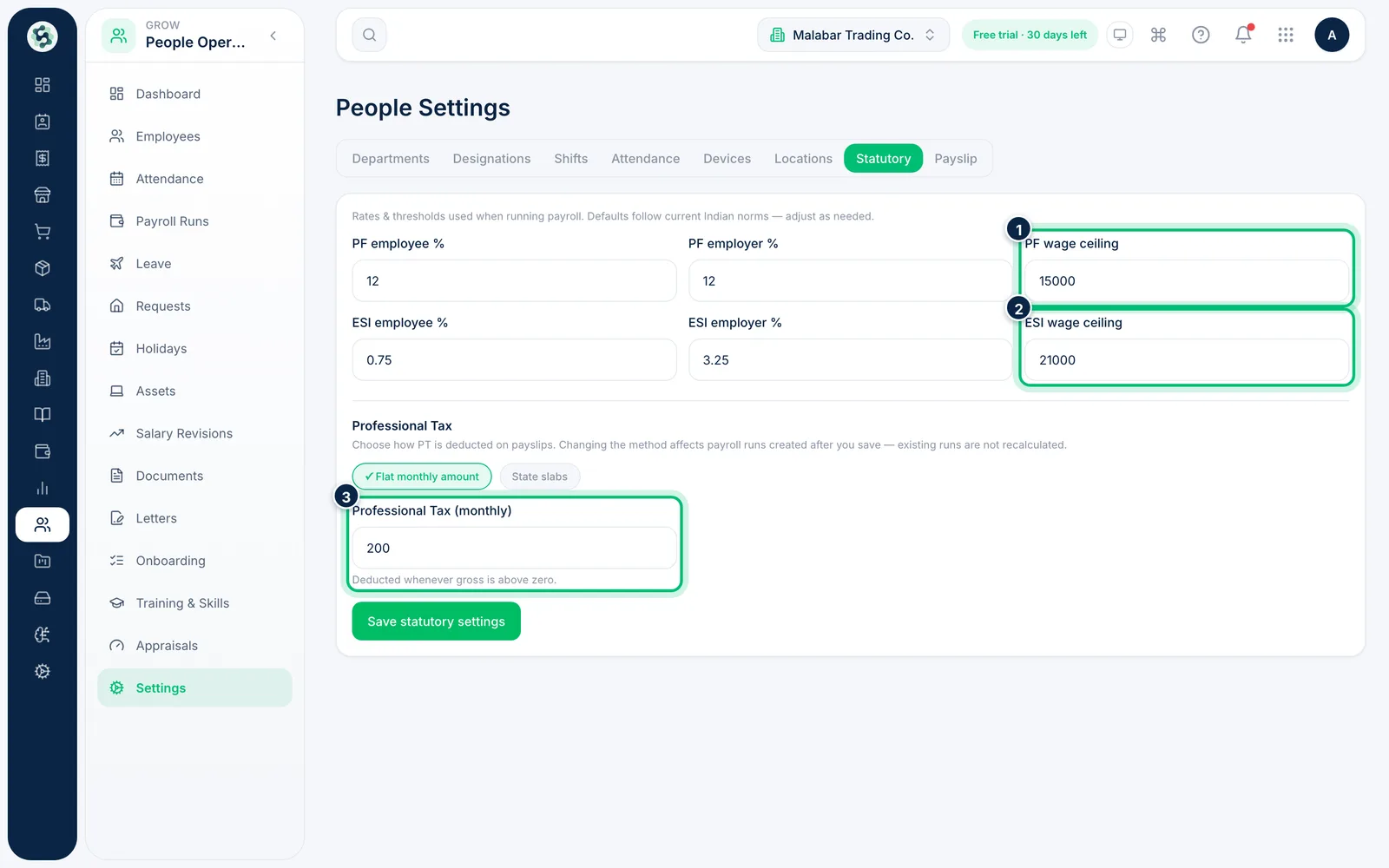
Open Statutory. The defaults are PF at 12% for employee and employer on Basic up to ₹15,000, ESI at 0.75% (employee) and 3.25% (employer) for gross up to ₹21,000, and a flat Professional Tax of ₹200 a month (see the next step for state slabs). Change them if your rates differ and choose Save statutory settings.
4Choose how Professional Tax is worked out
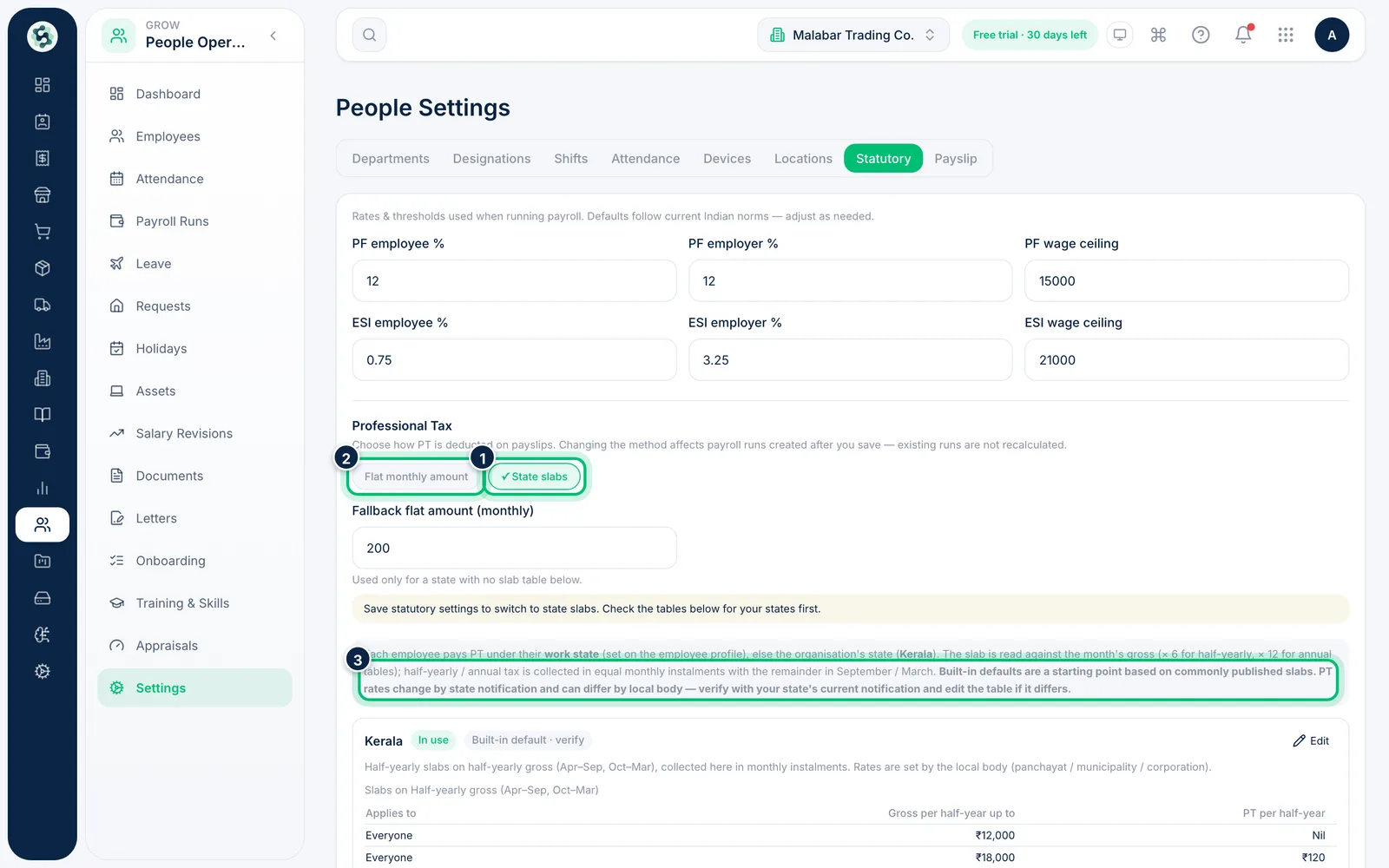
Still on Statutory, scroll to Professional Tax. Choose Flat monthly amount to deduct one fixed figure, or State slabs to use a slab table for each state. The tables are built in and editable — for example Kerala's half-yearly slabs collected monthly, and Maharashtra's ₹300 in February; Delhi, Uttar Pradesh, Haryana and Rajasthan have no PT. The defaults are labelled "verify with your state's current notification", so check them before you rely on them. Each employee is taxed under their Work state, otherwise the organisation's state. Changes apply to payroll runs created after you save.
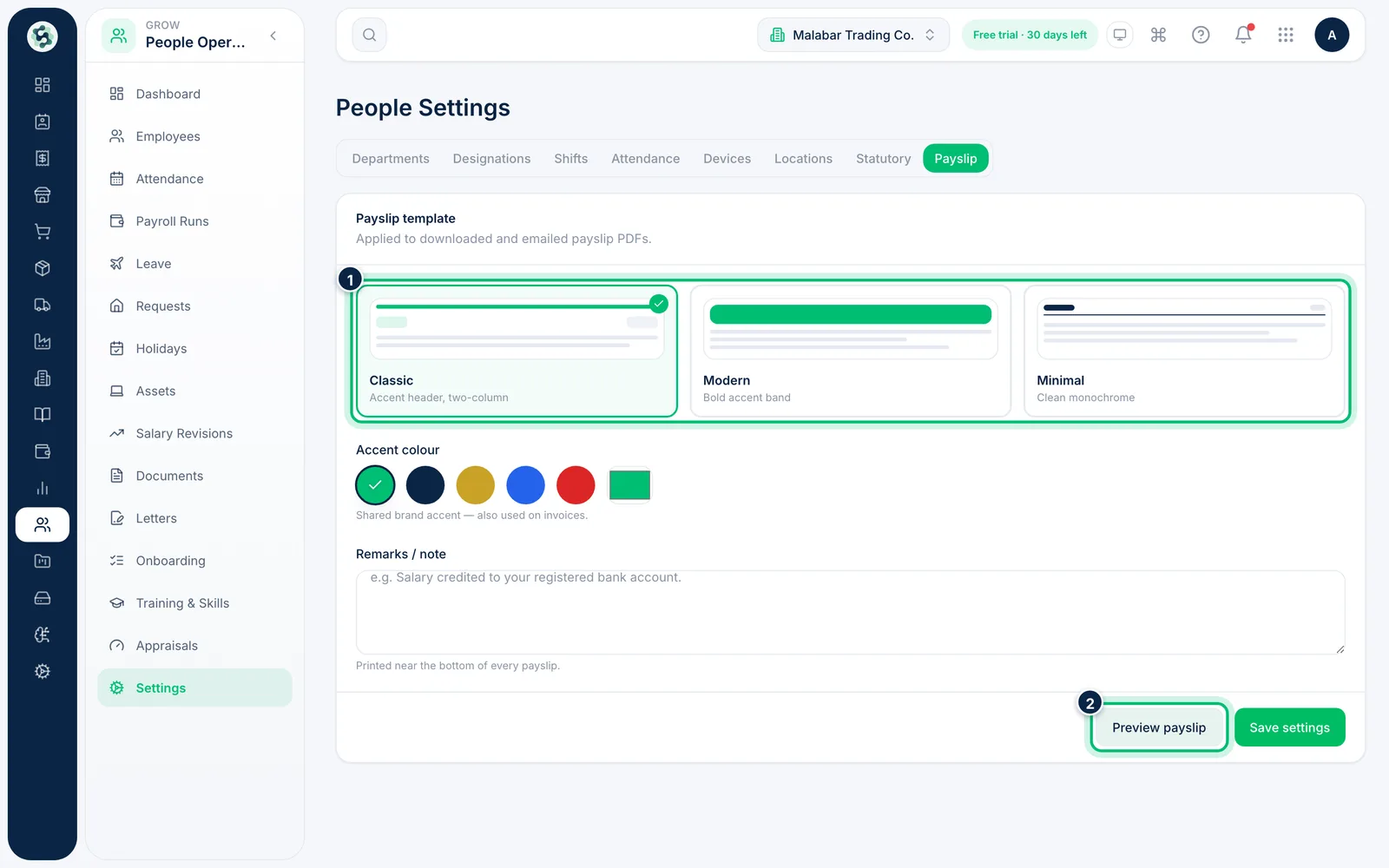
5Choose the payslip design
Open Payslip, pick a template, and set the accent colour and a note to print on every payslip. Choose Preview payslip to see it, then Save settings.
Related guides
Still stuck? Contact our support team — or start a free trial to try this in your own company.