
Settings & administration · 4 steps
Review the audit log
See who changed what, and when, across your organisation.
Before you start: The audit log is read-only. Entries can't be edited or deleted.
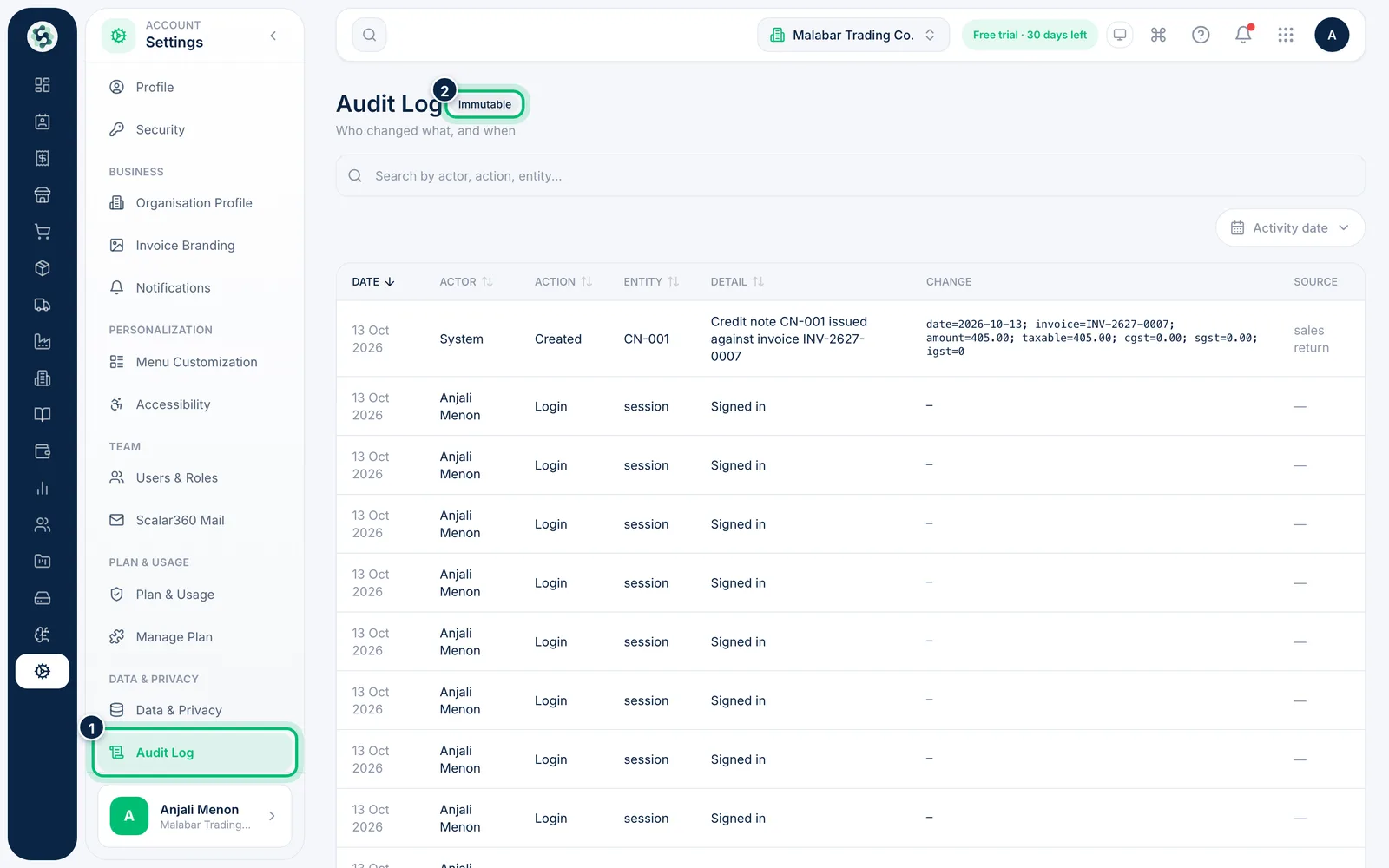
1Open the Audit Log
Go to Settings → Audit Log. It is marked Immutable because past entries can't be changed.
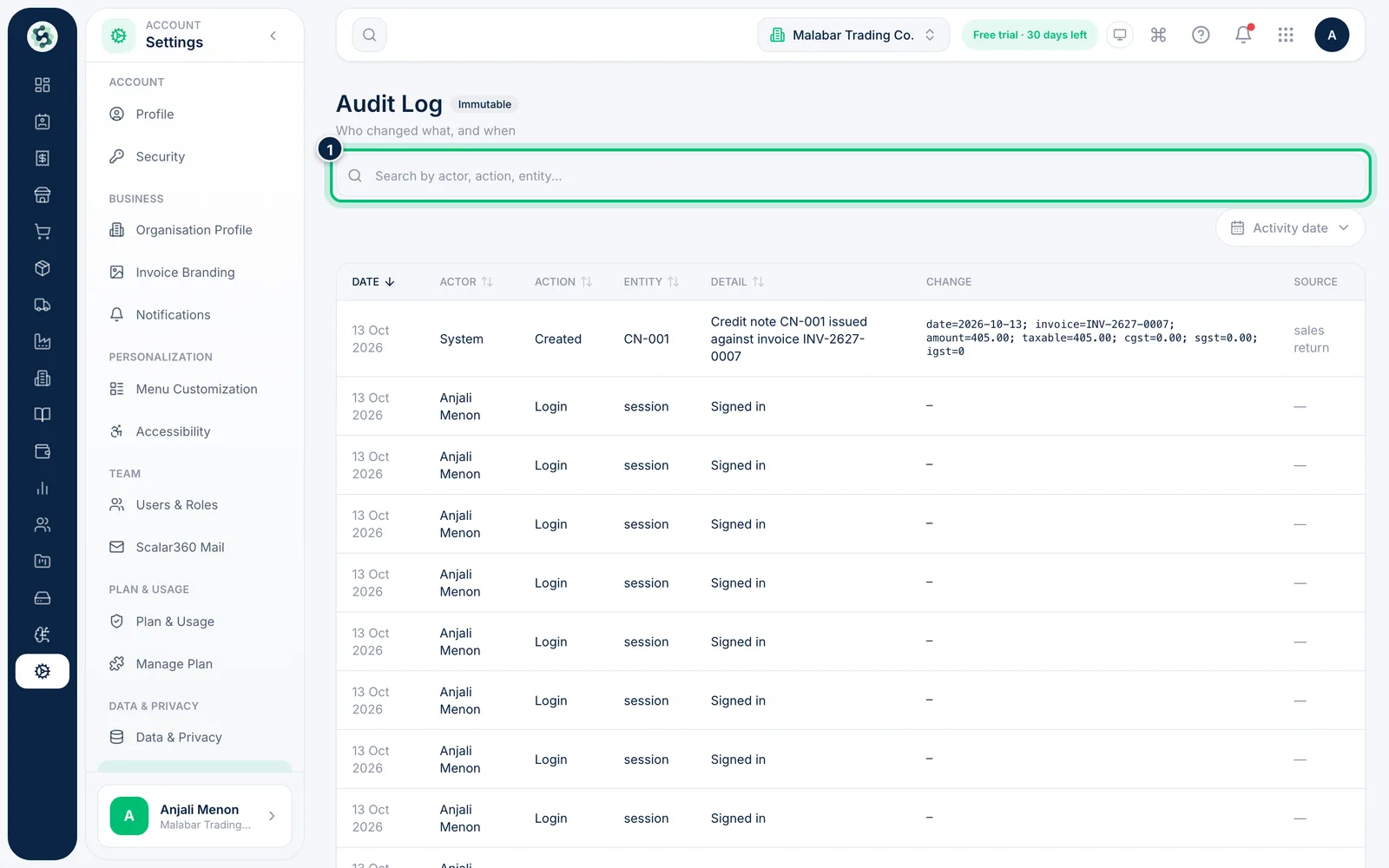
2Search the trail
Type in the search box to find entries by actor, action or entity — for example a teammate's name or a record type.
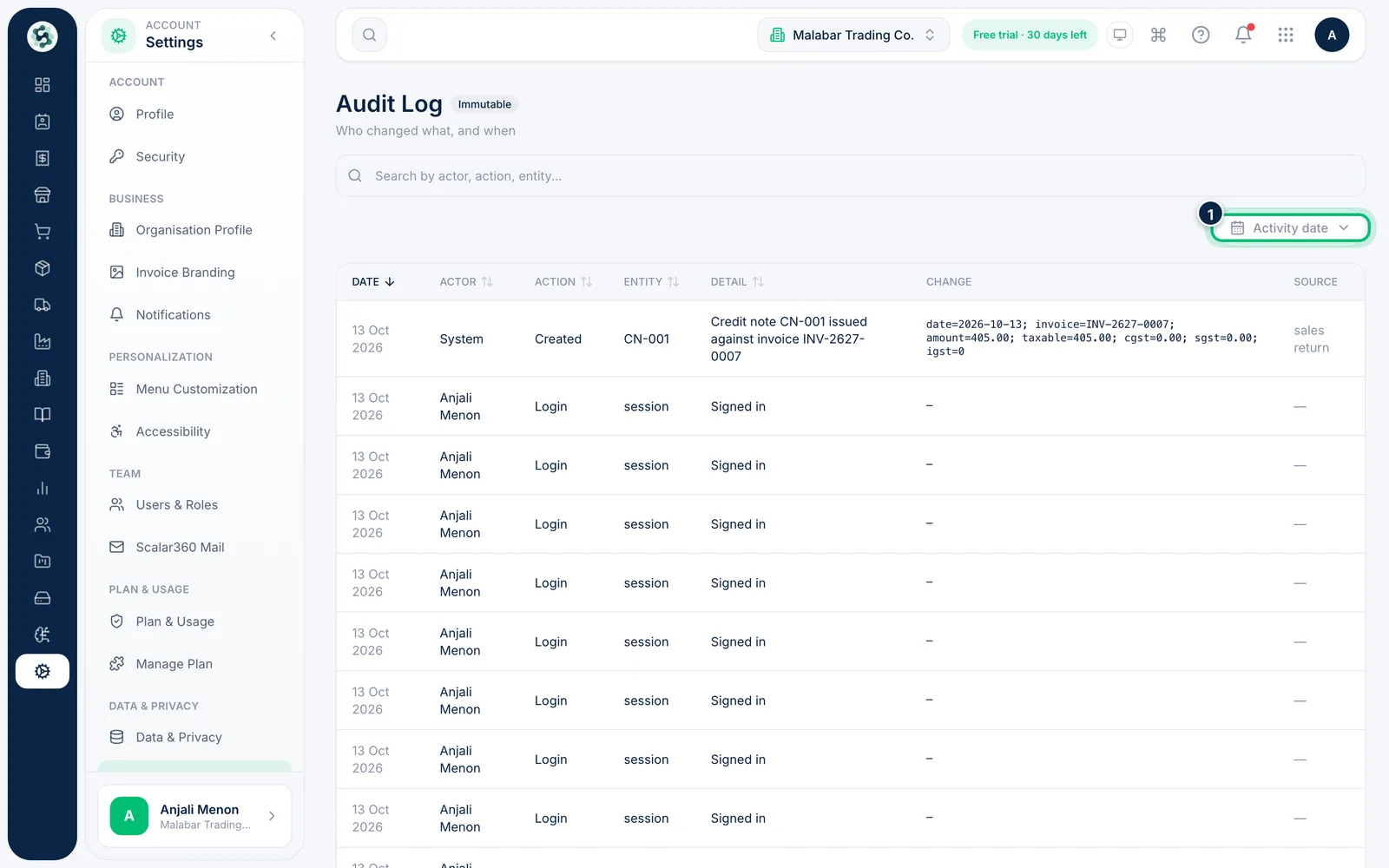
3Narrow by date
Use the Activity date filter to look at a specific period, such as the week an invoice was changed.
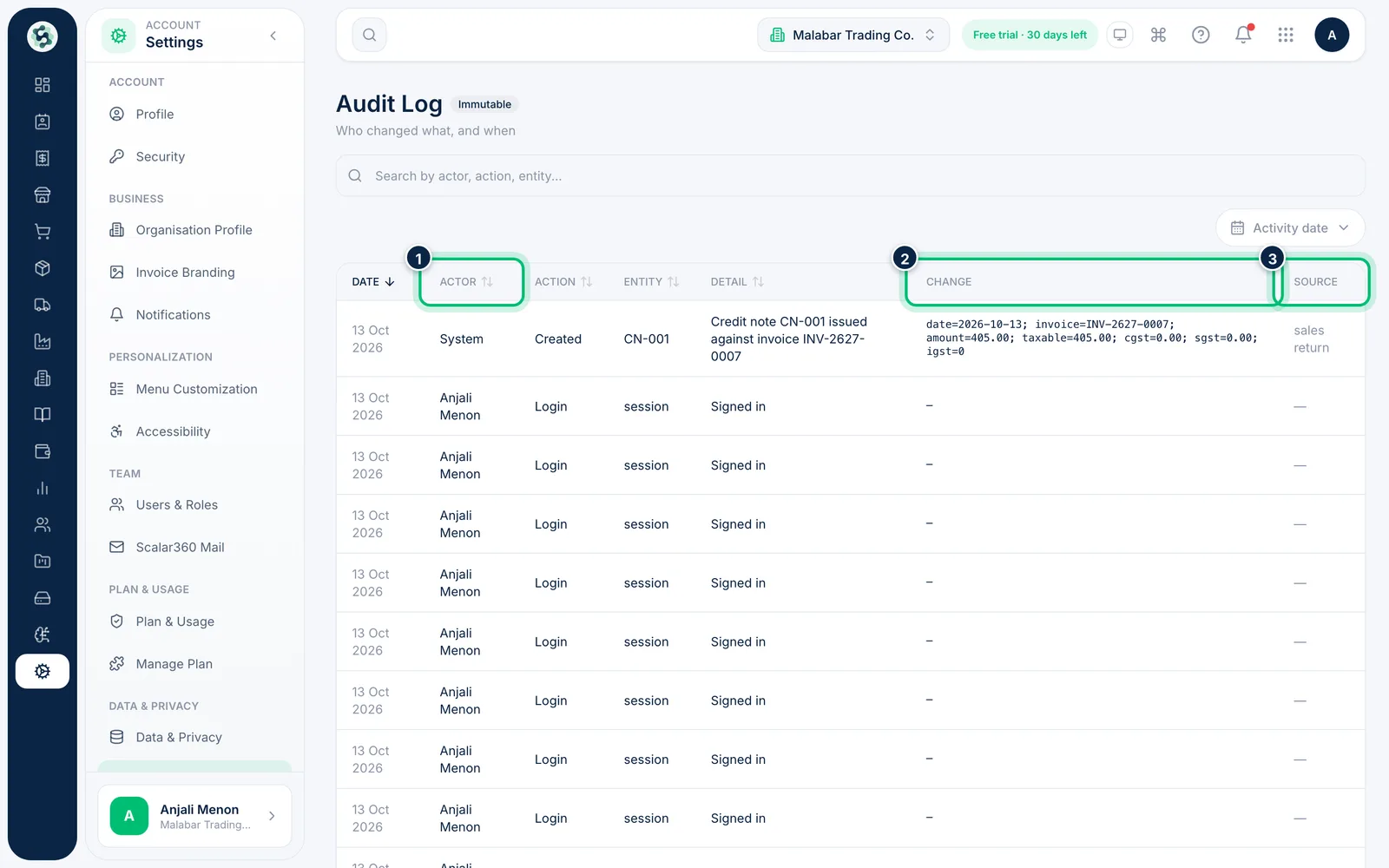
4Read an entry
Each row shows the Date, Actor, Action, Entity and Detail. Change shows the old value and the new one, and Source shows where it came from. Click a column heading to sort.
Related guides
Still stuck? Contact our support team — or start a free trial to try this in your own company.