
Getting started · 4 steps
Sign up and start your free trial
Create your Scalar360 account, verify your email and start the 30-day free trial — no card needed.
Before you start: All you need is an email address you can open.
1Open the sign-up form
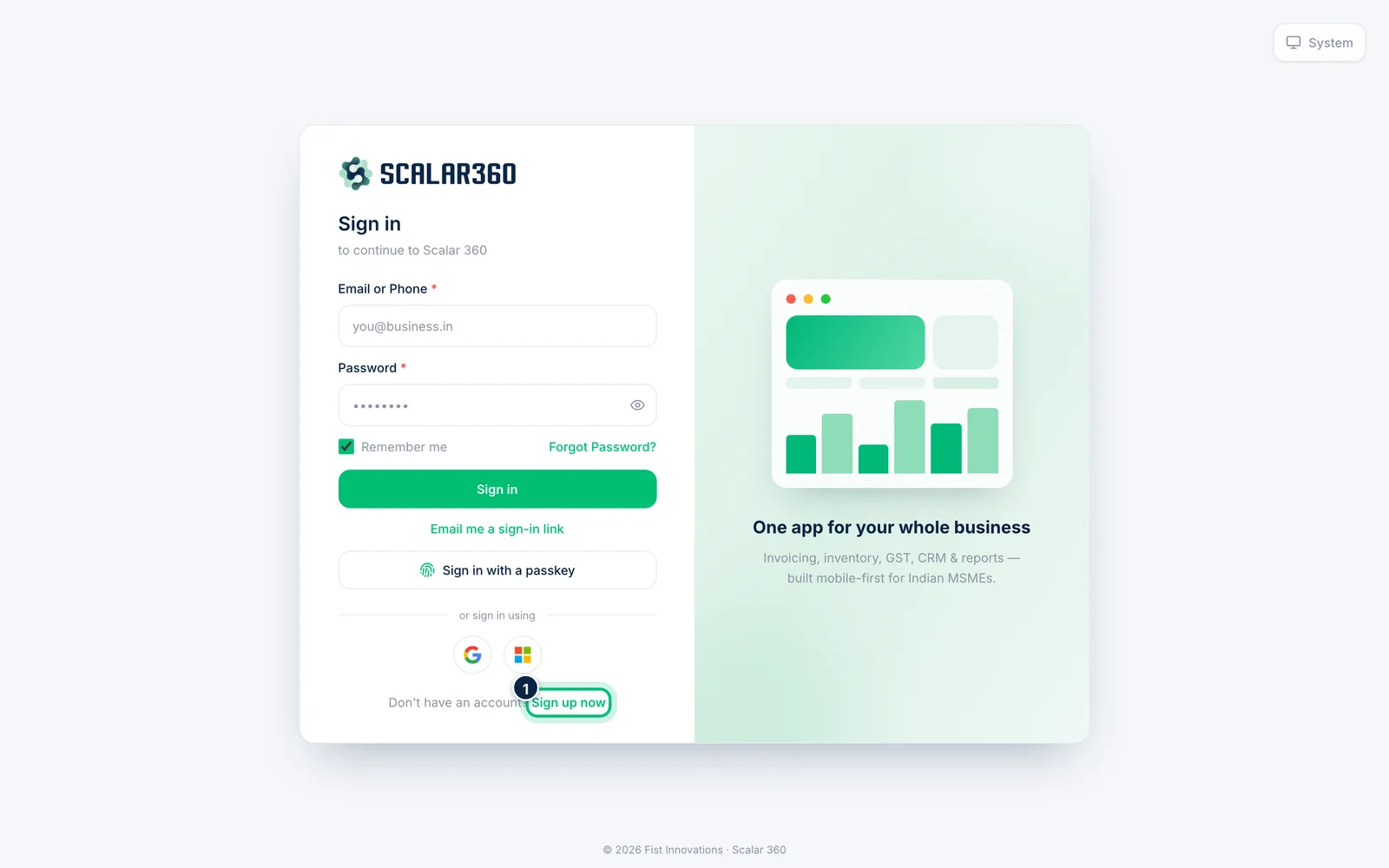
Go to the Scalar360 sign-in page. Below the sign-in form, next to Don't have an account?, choose Sign up now.
2Enter your details
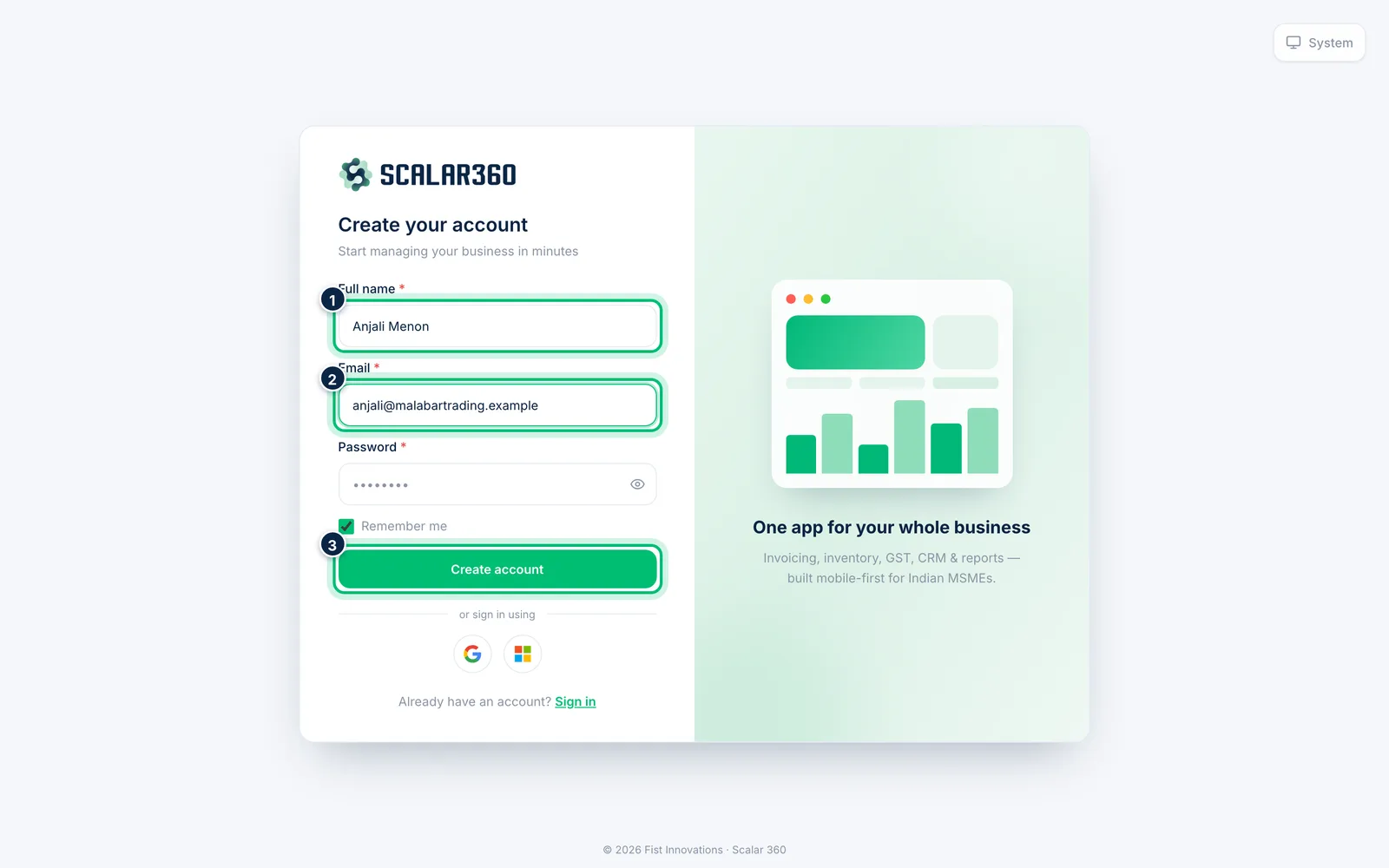
Fill in your Full name, your work Email and a Password of at least 10 characters. Then choose Create account.
3Verify your email
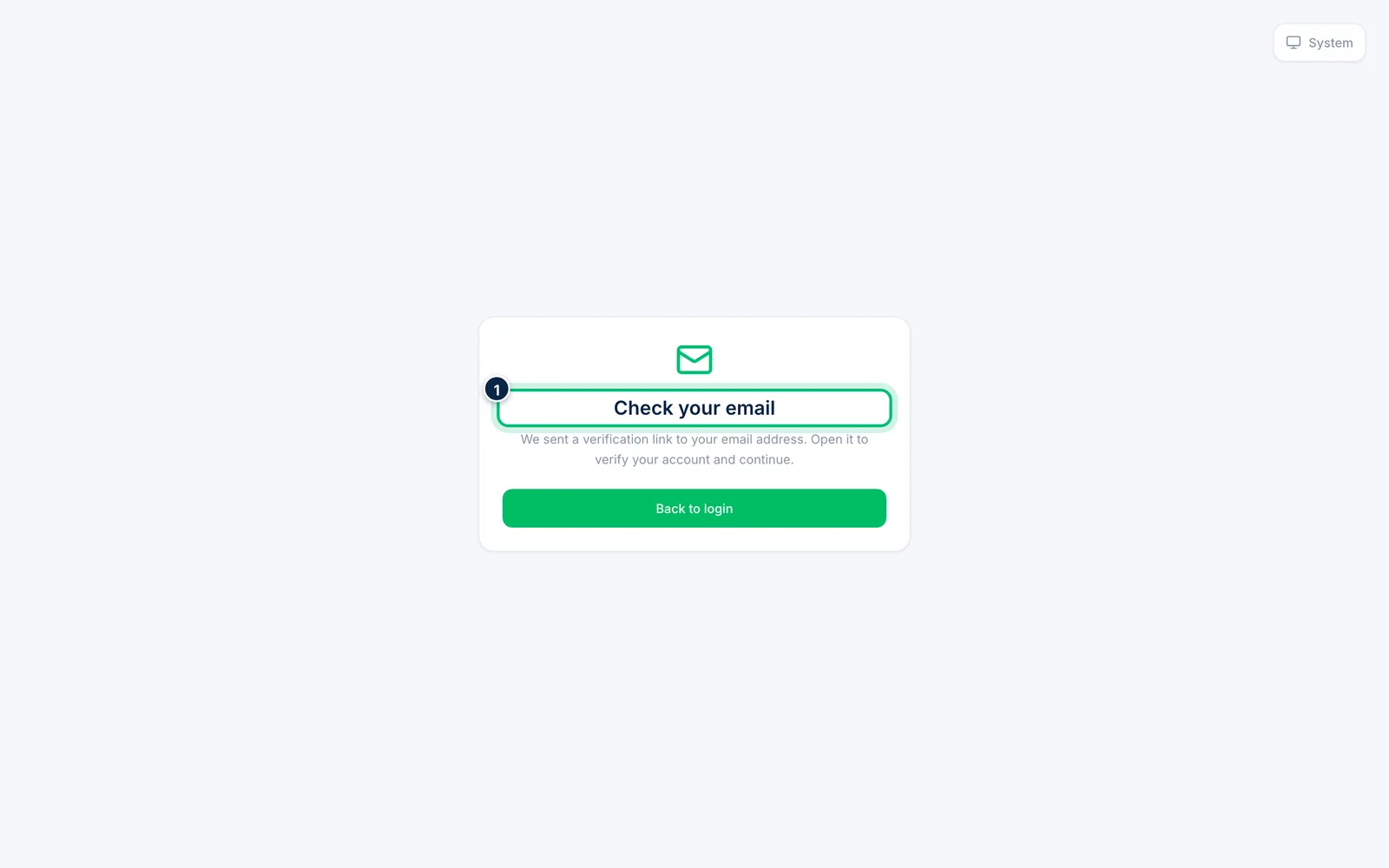
If you see Check your email, open the verification link we sent you, then sign in. This makes sure only you can use the address.
4Start the free trial
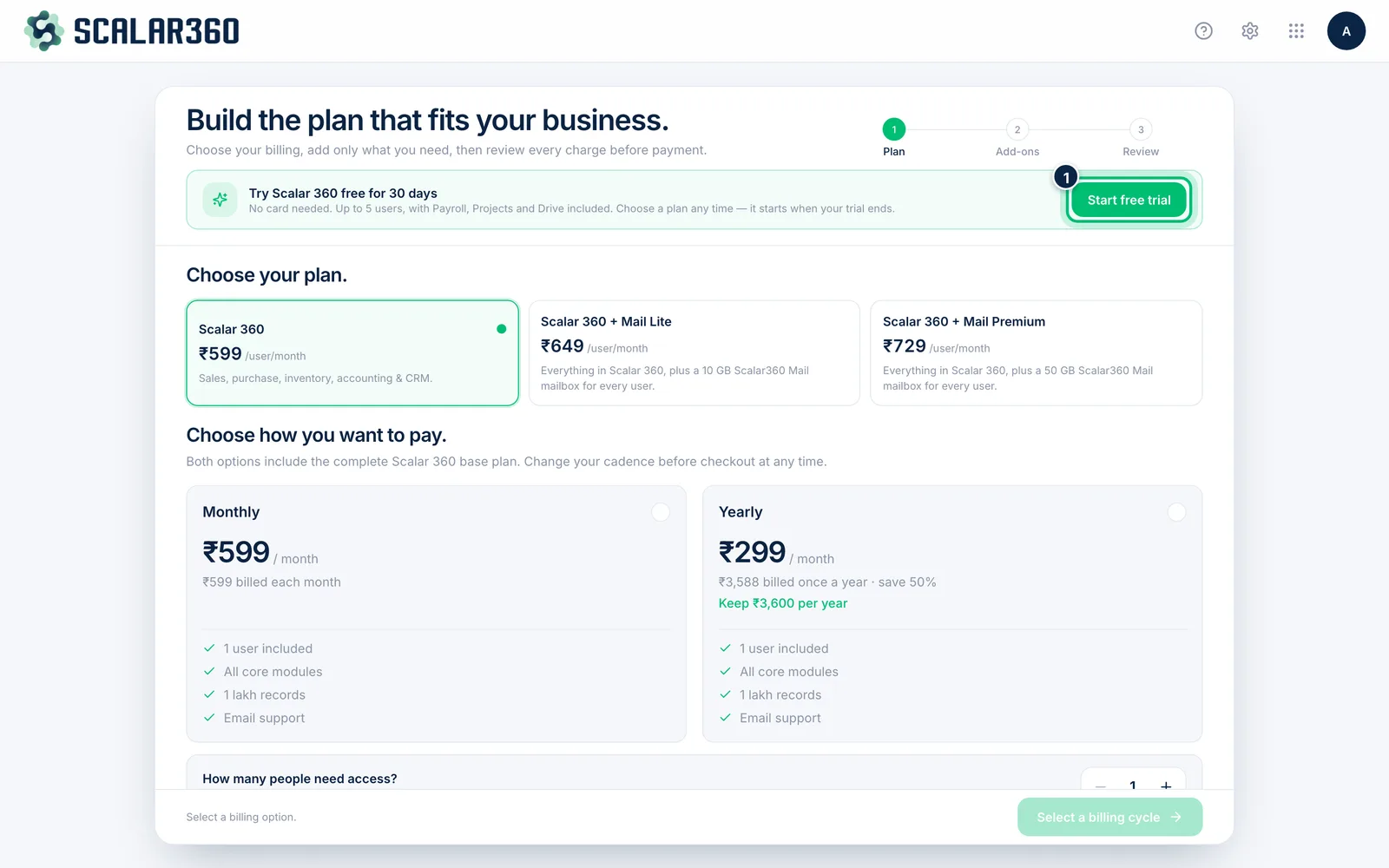
After you sign in, you land on the plans page. Choose Start free trial to use Scalar360 free for 30 days with no card. You can pick a paid plan at any time — it starts when the trial ends.
Related guides
Still stuck? Contact our support team — or start a free trial to try this in your own company.