
Super Intelligence (AI & API) · 3 steps
See and revoke connected apps
Check which AI apps and tokens can use your account, see their access level and when they were last used, and cut access at once.
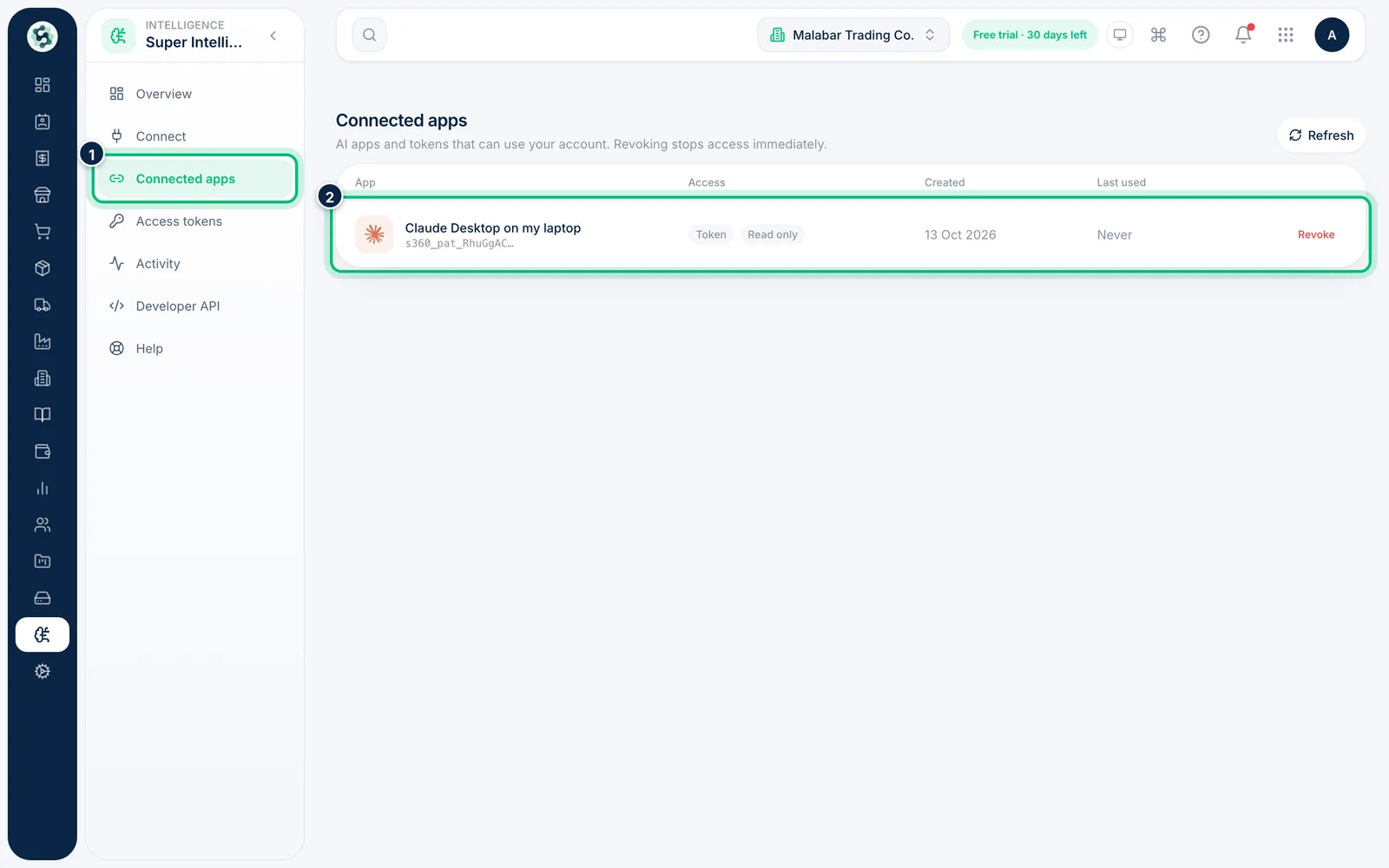
1Open Connected apps
In Super Intelligence, choose the Connected apps tab. Each row shows the app, whether it connected by Token or Sign-in, and its access level.
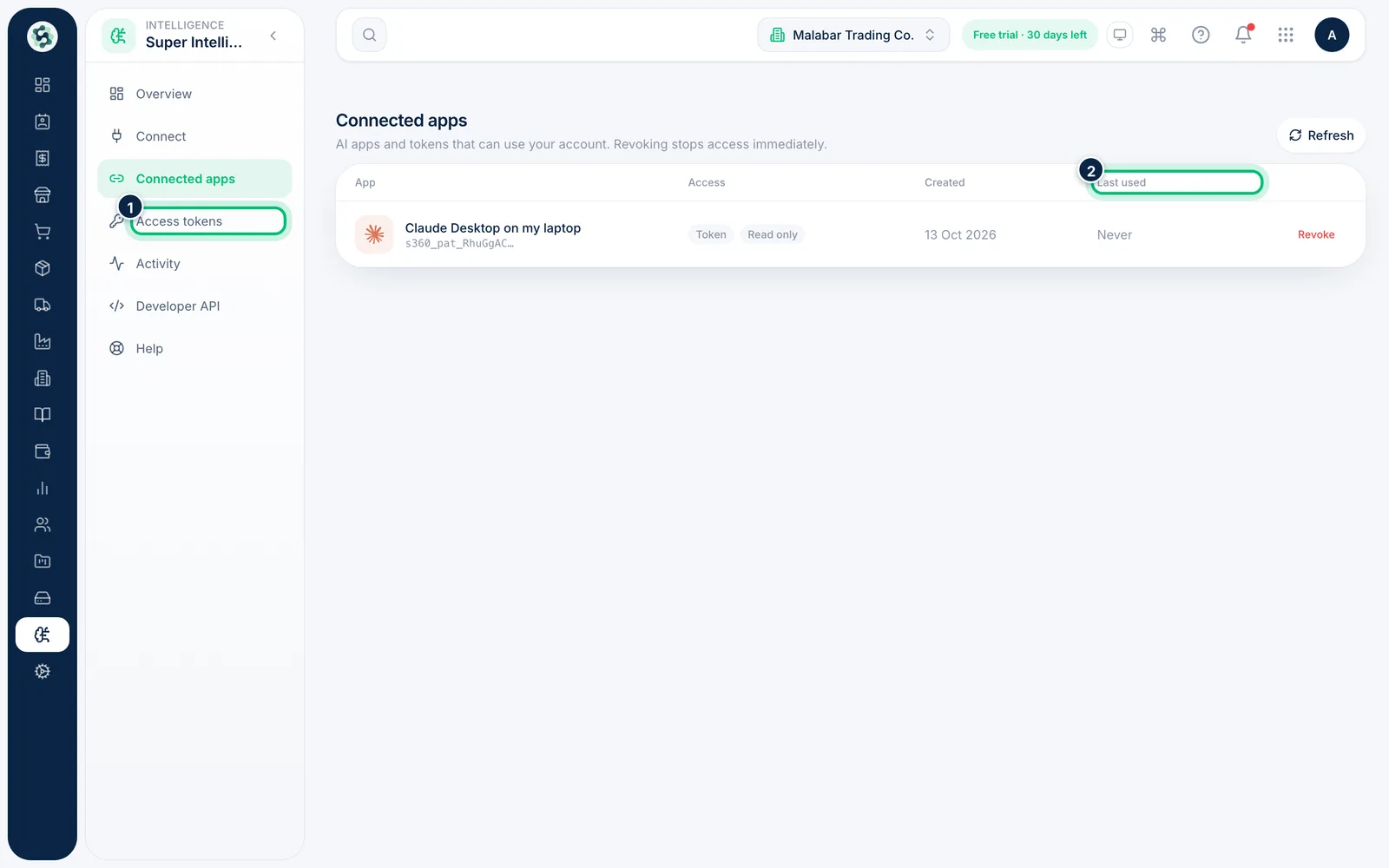
2Check access, creation date and last use
The columns show when each connection was Created and when it was Last used — Never means it hasn't been used. An access level of Read only means the app can't change anything.
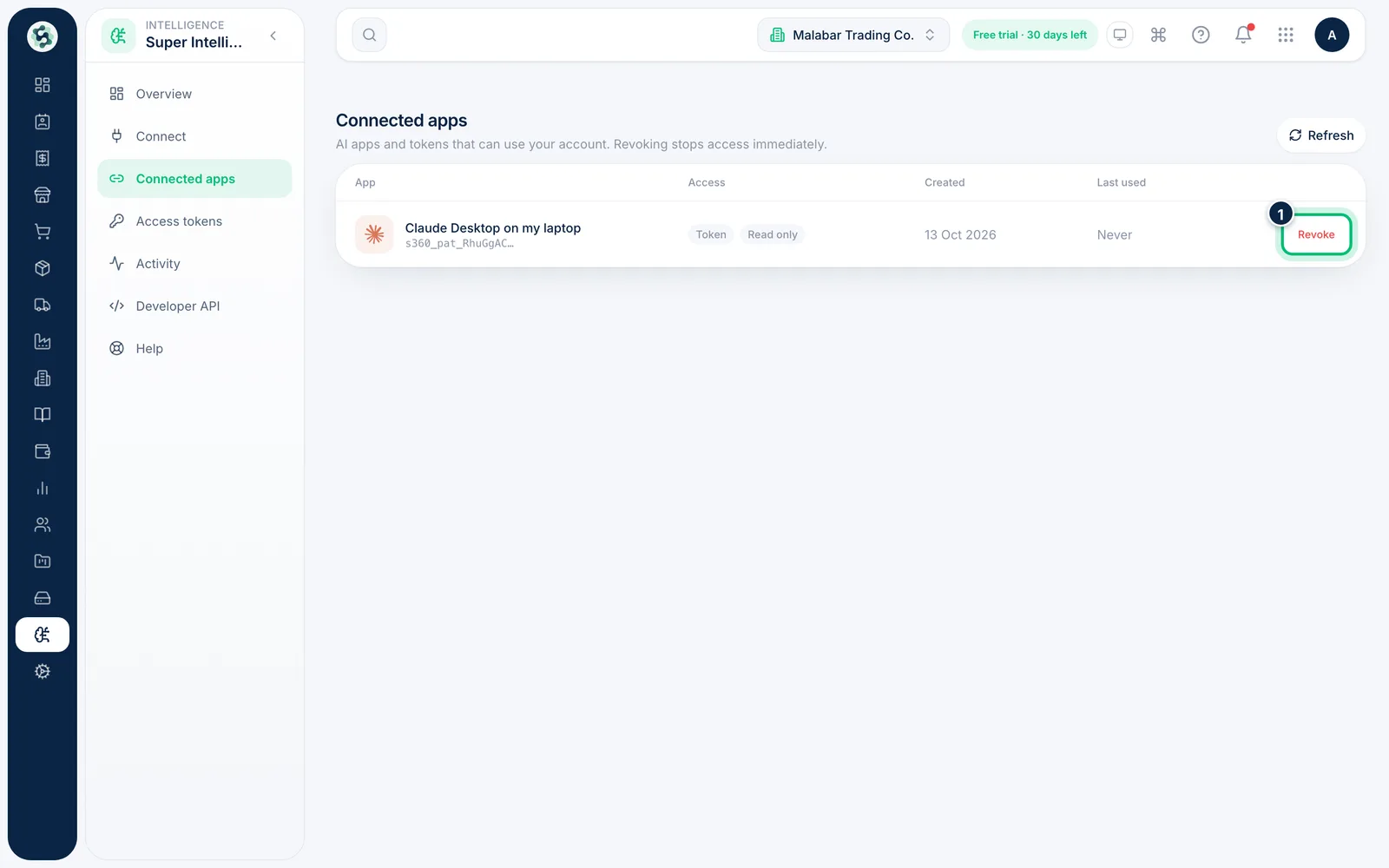
3Revoke an app you no longer use
Choose Revoke at the end of its row and confirm. Access stops immediately, and the app has to be connected again before it can use your account.
Related guides
Still stuck? Contact our support team — or start a free trial to try this in your own company.