
Accounting & GST · 5 steps
Post a manual journal entry
Record adjustments that don't come from an invoice, bill or expense — accruals, corrections or owner contributions — as a balanced journal entry.
Before you start: Most entries post themselves. Use a manual journal only for adjustments, and make sure the period isn't locked.
1Start a journal entry
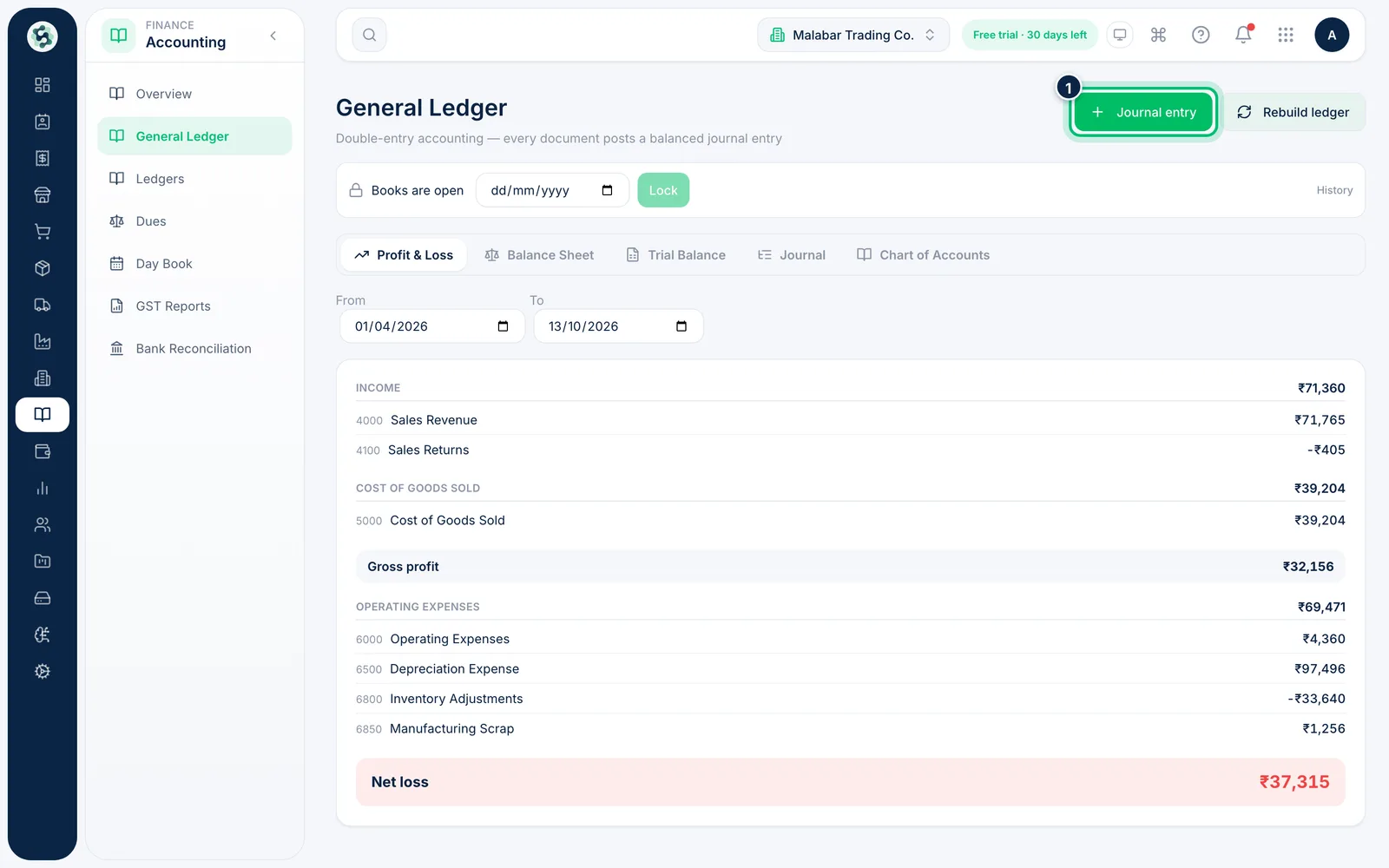
Open Accounting → General Ledger and choose Journal entry at the top right.
2Add the date and narration
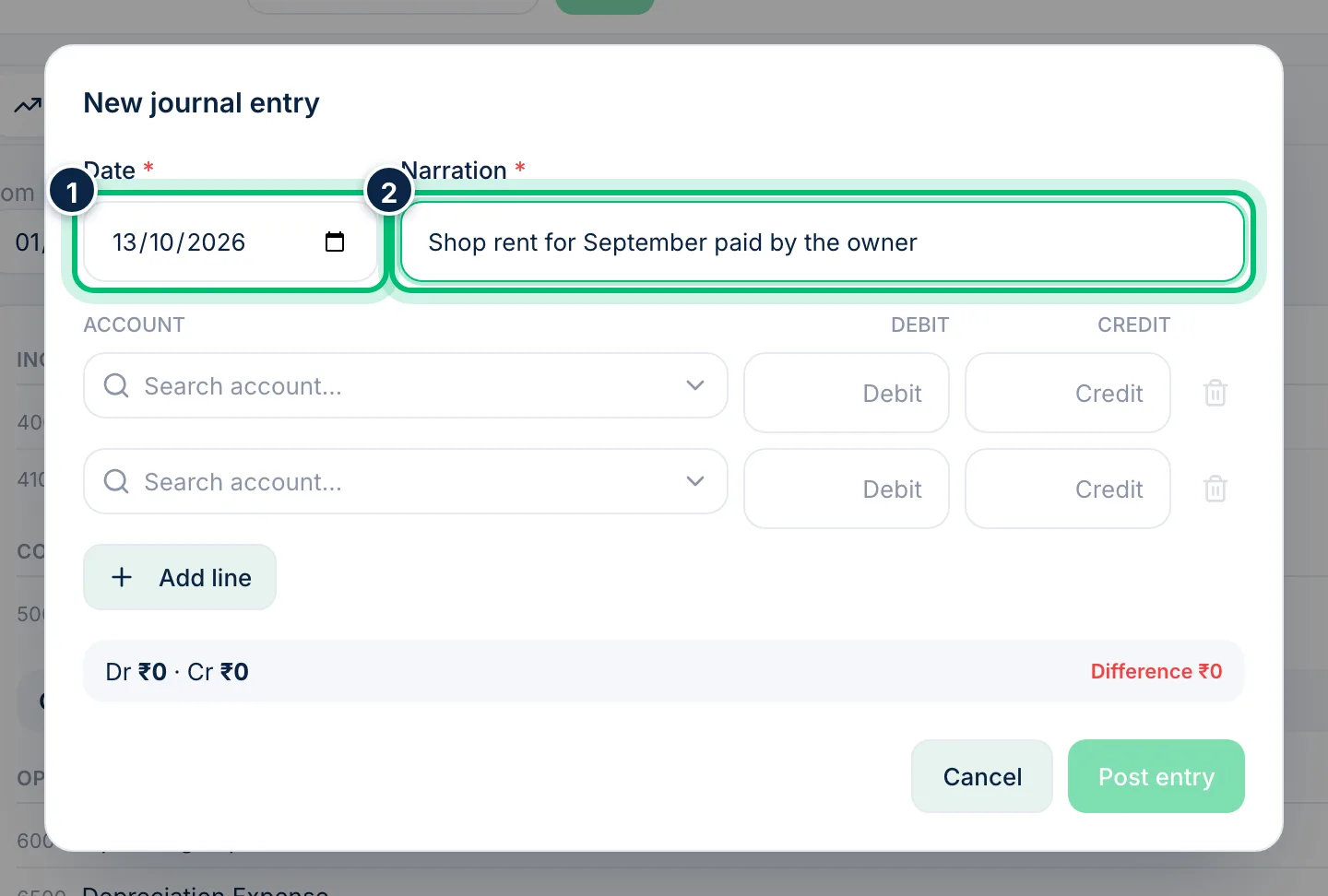
Set the Date of the entry and write a Narration that explains it, such as "Shop rent for September paid by the owner". Both are required.
3Enter the debit and credit lines
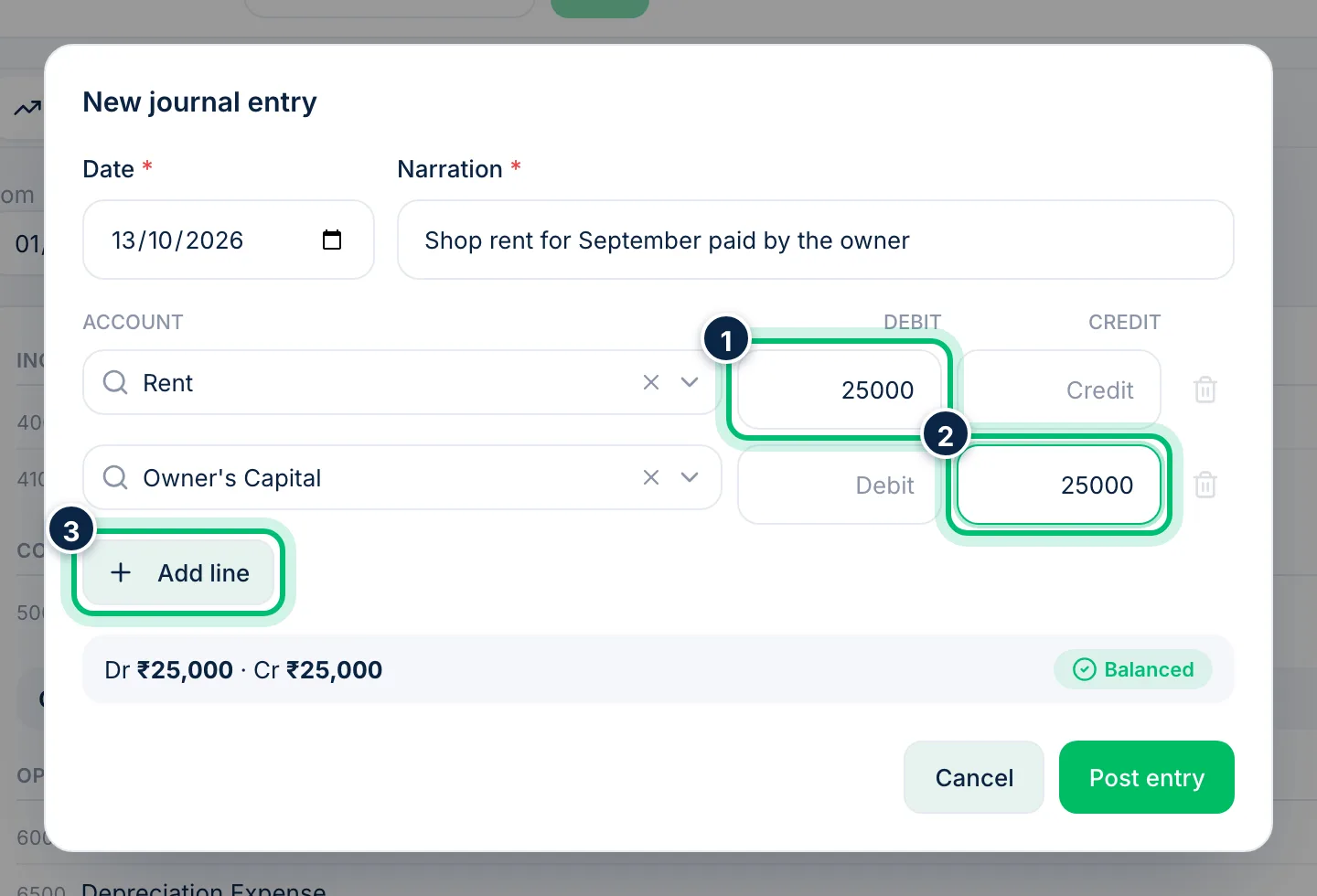
On each line, search for an account and enter either a Debit or a Credit amount — never both. Here, Rent is debited and Owner's Capital is credited. Use Add line if you need more than two lines.
4Check it balances, then post
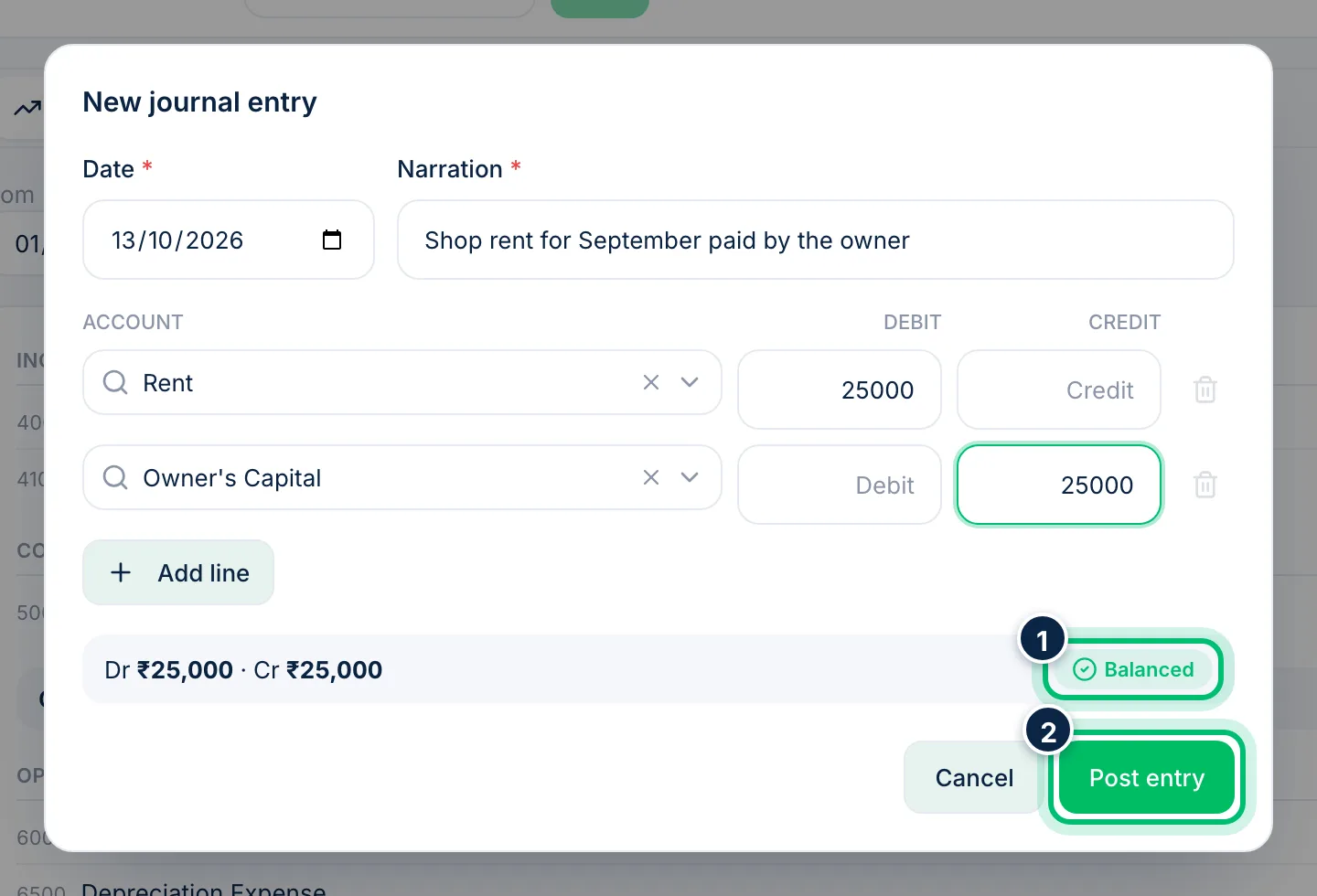
The bar under the lines shows total Dr and Cr. Post entry only becomes available when they match and the bar shows Balanced; until then it shows the Difference.
5Find the entry in the journal
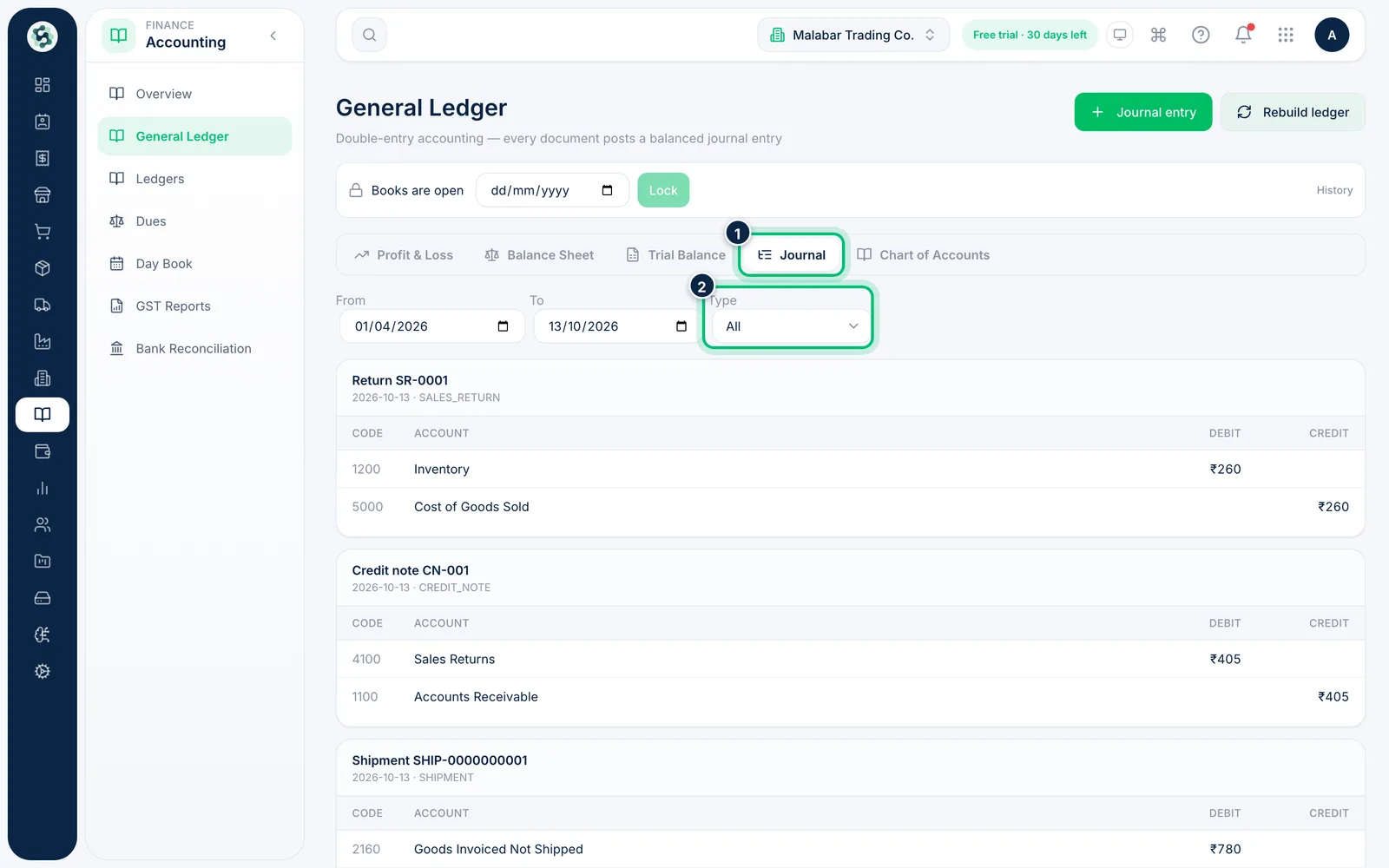
Posted entries appear on the Journal tab. Set Type to Manual journal to see only yours. Each manual entry has a Reverse button. It opens a dialog where you can add an optional reason, then posts a mirror-image entry instead of deleting the original.
Related guides
Still stuck? Contact our support team — or start a free trial to try this in your own company.