
Super Intelligence (AI & API) · 4 steps
Create an access token for scripts and config files
Generate a token for apps that can't open a sign-in window, such as a Claude Desktop config file, and choose whether it is read only.
Before you start: Prefer the sign-in route whenever the app offers it. A token works like a password: anyone holding it has its access.
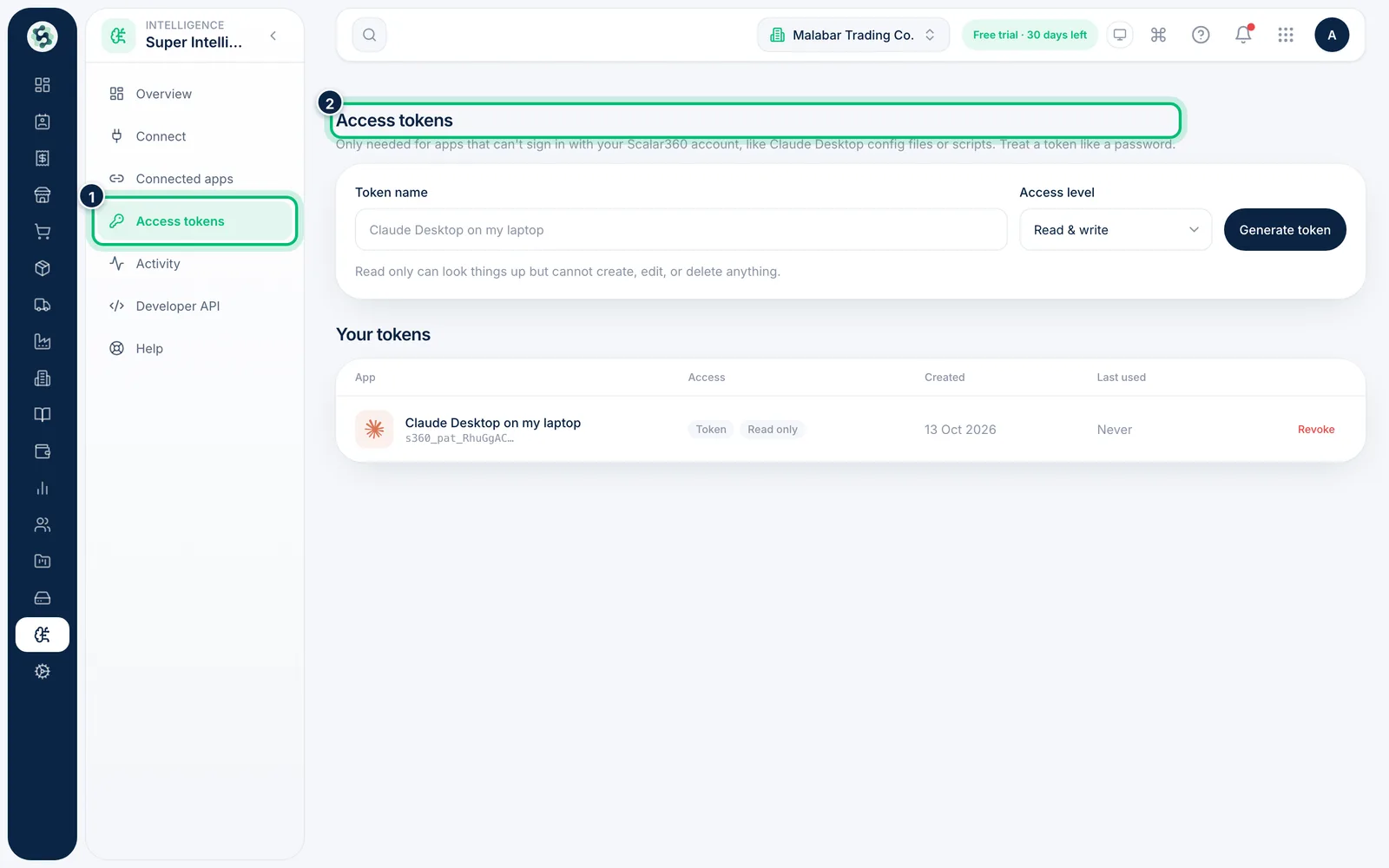
1Open Access tokens
In Super Intelligence, choose Access tokens. Tokens are only needed for apps that can't sign in with your Scalar360 account.
2Name the token
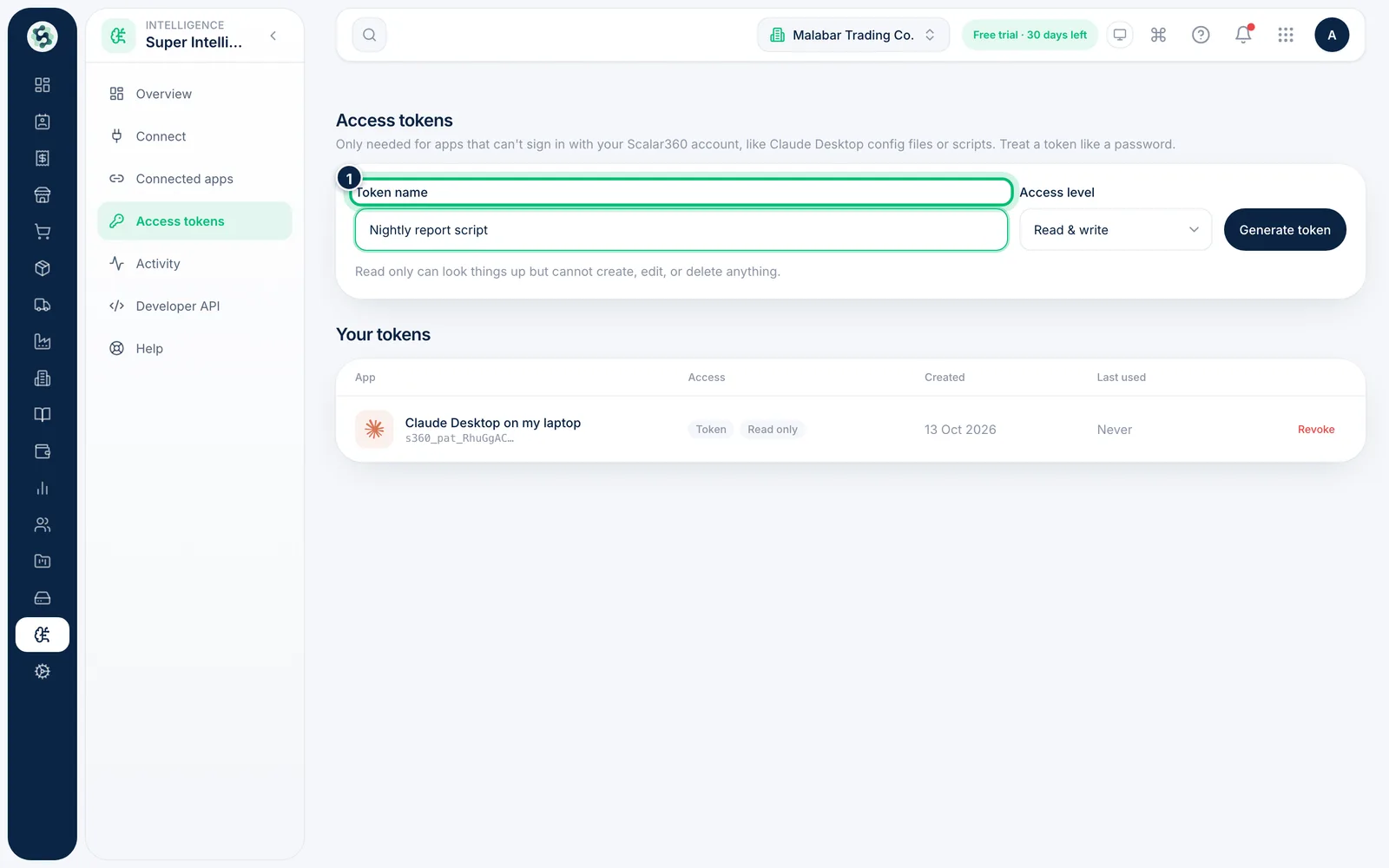
Enter a Token name you'll recognise later, such as the device or script that will use it.
3Pick the access level
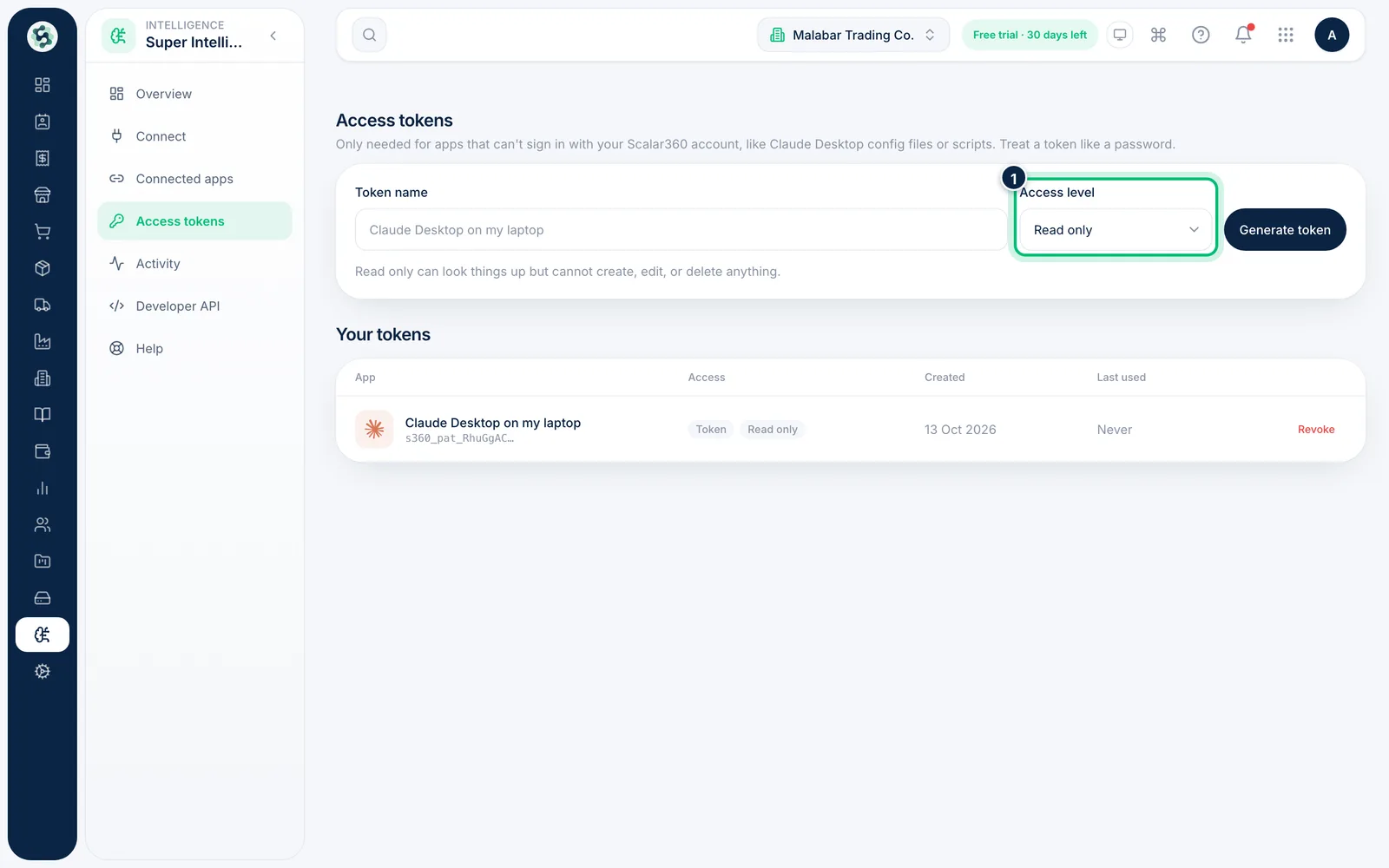
Set Access level to Read & write or Read only. Read only can look things up but cannot create, edit or delete anything.
4Generate it and keep your tokens tidy
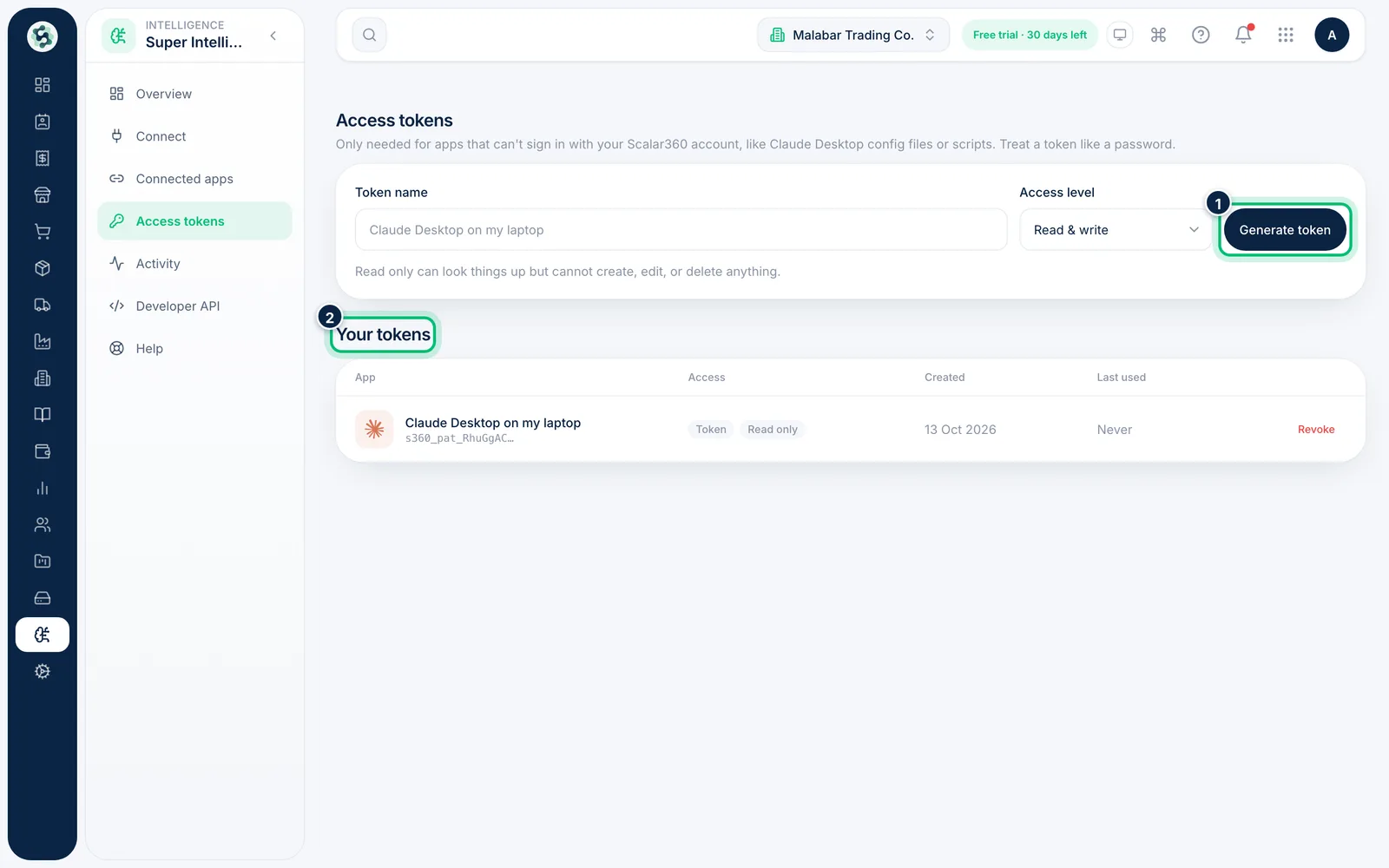
Choose Generate token. The token is shown once, so copy it straight into the app that needs it. Tokens you've made are listed under Your tokens, where you can revoke them.
Related guides
Still stuck? Contact our support team — or start a free trial to try this in your own company.