
Super Intelligence (AI & API) · 3 steps
Review what connected apps did
Every action an AI app takes in your account is logged. Search it, filter by date, result, method or app.
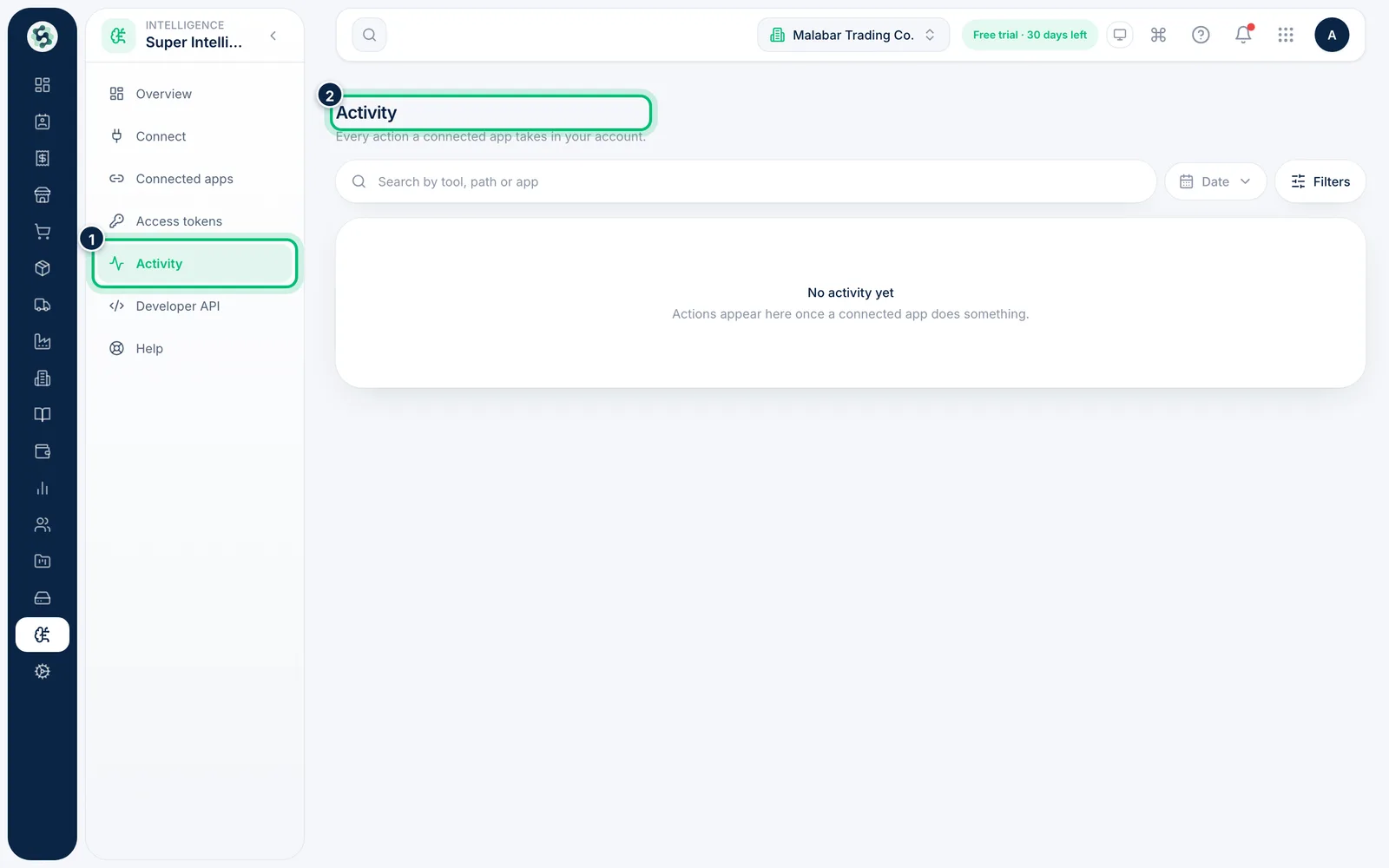
1Open Activity
In Super Intelligence, choose Activity. The page lists every action taken by connected apps, with the App, the Tool, the Request, its Status and the Time.
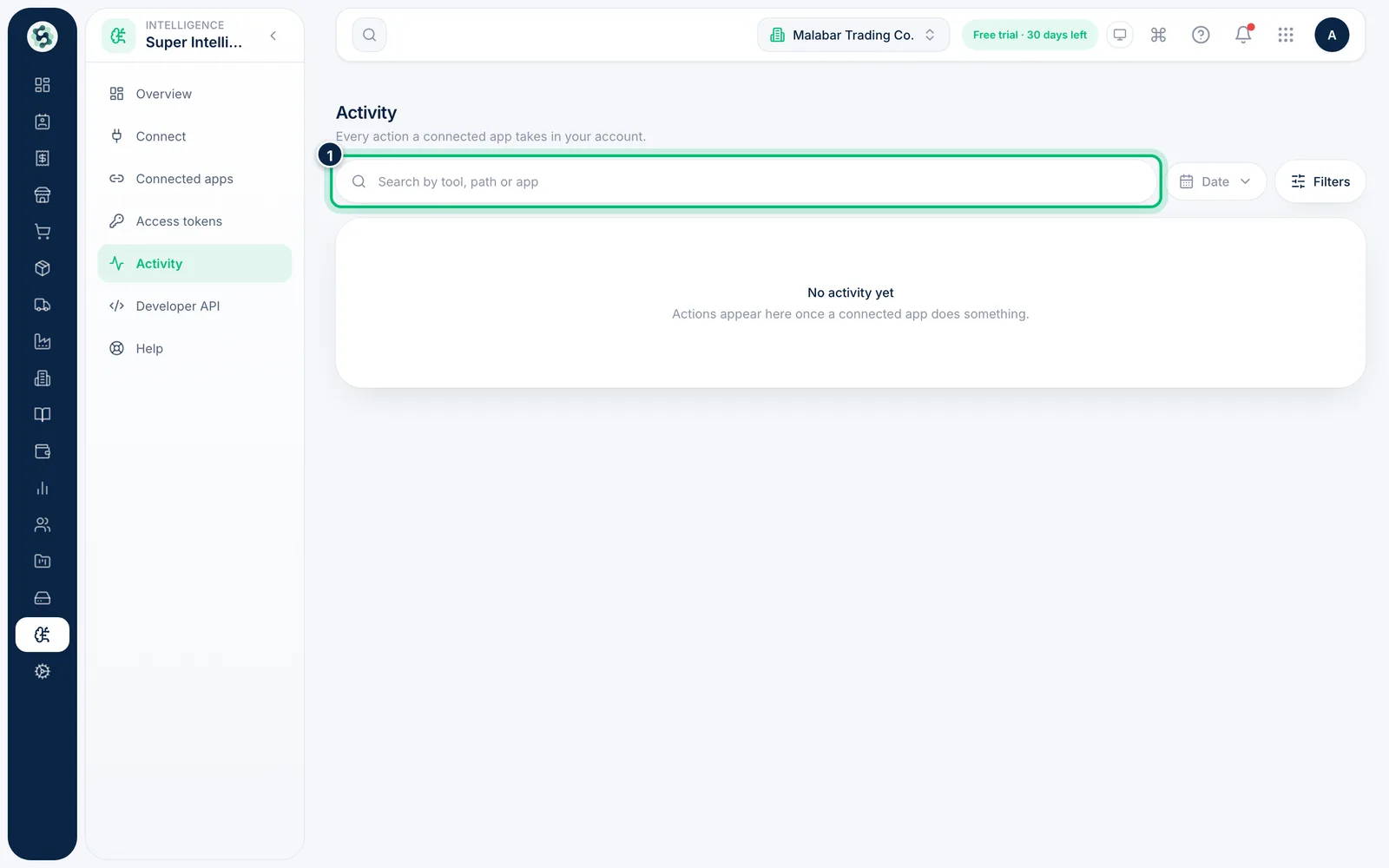
2Search and pick a date range
Type in Search by tool, path or app to narrow the list, and use Date to look at a particular period.
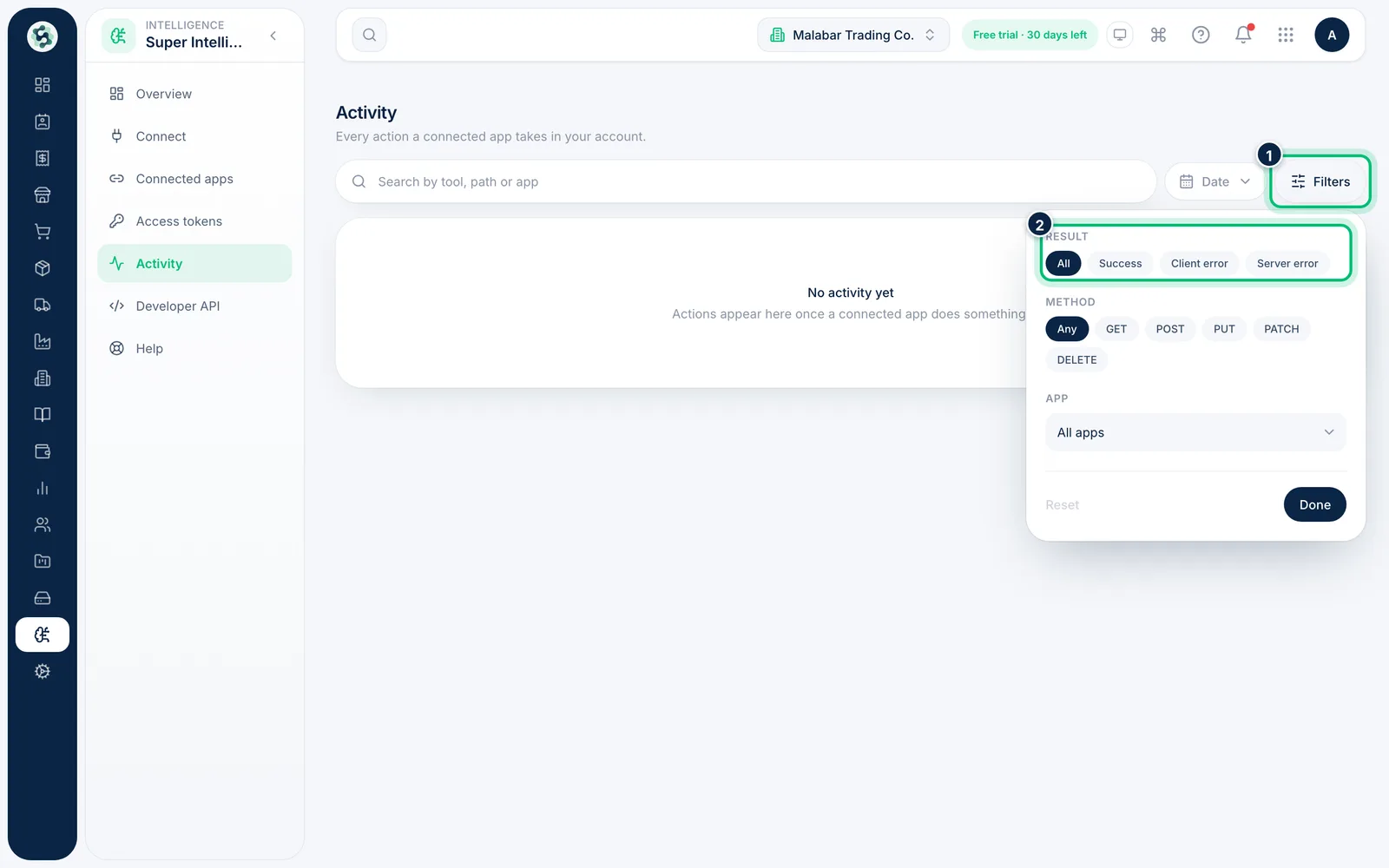
3Filter by result, method or app
Choose Filters to narrow by Result (Success, Client error or Server error), request Method, or one App. Select Reset to clear them.
Related guides
Still stuck? Contact our support team — or start a free trial to try this in your own company.